 PH
PHCHECK DISTRIBUTION NAME & VERSION DETAILS
There are several command you can use.
First magic command:
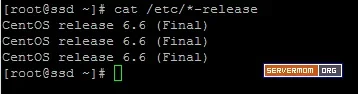
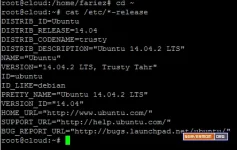
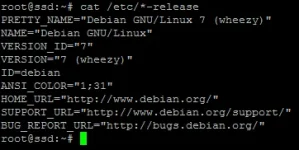
And here’s sample output:
CentOS:
Ubuntu:
Debian:
Second magic command:
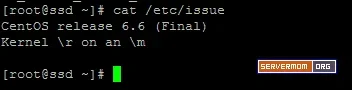
Sample output (screenshot)
CentOS:
Ubuntu:
You do not have permission to view the full content of this post. Log in or register now.
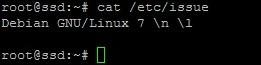
Debian:
That’s all. You may need to bookmark this thread as probably you may need it later.!
There are several command you can use.
First magic command:
cat /etc/*-release And here’s sample output:
CentOS:
Ubuntu:
Debian:
Second magic command:
cat /etc/issueSample output (screenshot)
CentOS:
Ubuntu:
You do not have permission to view the full content of this post. Log in or register now.
Debian:
That’s all. You may need to bookmark this thread as probably you may need it later.!

