PH
PHqwerteepee
Leecher
Hi,
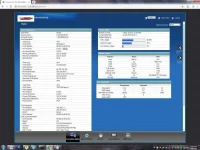
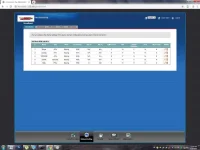
So after Hard resetting yong PLDT Modem namin (VMG3926-B10B), hindi na kami maka connect sa internet. May yellow triangle nadin sa connection sa Desktop. May full access ako sa interface ng PLDT (192.168.1.1) via adminpldt. May paraan po ba para i configure manually yong connection para bumalik yong internet namin? Kasi ang tagal ng PLDT technician na magpunta dito sa amin, 1 week ko na silang ginugulo pero mukang mag aantay pa ako. Lugi na kasi business namin. Any help would be greatly appreciated.
NOTE: If any of this post violates the rules and regulation of this site or created an existing thread, please take down or remove immediately. Thank you!
So after Hard resetting yong PLDT Modem namin (VMG3926-B10B), hindi na kami maka connect sa internet. May yellow triangle nadin sa connection sa Desktop. May full access ako sa interface ng PLDT (192.168.1.1) via adminpldt. May paraan po ba para i configure manually yong connection para bumalik yong internet namin? Kasi ang tagal ng PLDT technician na magpunta dito sa amin, 1 week ko na silang ginugulo pero mukang mag aantay pa ako. Lugi na kasi business namin. Any help would be greatly appreciated.
NOTE: If any of this post violates the rules and regulation of this site or created an existing thread, please take down or remove immediately. Thank you!