 PH
PHMay nagrequest sa kabila, ipost ko din dito ..
Finally, lumabas na ang tutorials ng changing mac of BM622i.
Share ko lang para mas malinawan kayo, nag attach na rin ako ng some images para mas maintindihan ng iba.
This tutorials is working only sa BM622i 2010 version.
I'm not sure kung kaya nga pati ang 2011 and 2012 version.
So let's start.
Tools needed:
1. Command prompt. Also known as cmd
2. Wimax tool by cherles
3. Common Sense
And finally, the steps: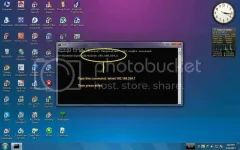
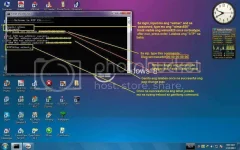
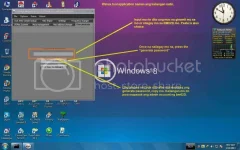
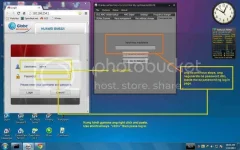
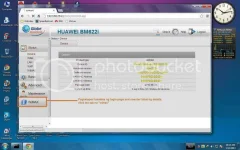
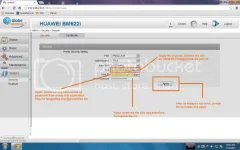
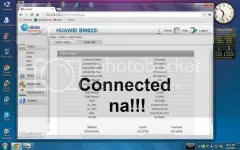
Sana maappereciate nyo kahit repost ito. A simple thanks will be ok. http://dl.phcorner.org.ph/Smileys/default/biggrin.gif
Finally, lumabas na ang tutorials ng changing mac of BM622i.
Share ko lang para mas malinawan kayo, nag attach na rin ako ng some images para mas maintindihan ng iba.
This tutorials is working only sa BM622i 2010 version.
I'm not sure kung kaya nga pati ang 2011 and 2012 version.
So let's start.
Tools needed:
1. Command prompt. Also known as cmd
2. Wimax tool by cherles
3. Common Sense
And finally, the steps:
Sana maappereciate nyo kahit repost ito. A simple thanks will be ok. http://dl.phcorner.org.ph/Smileys/default/biggrin.gif


