 PH
PH
part 1 You do not have permission to view the full content of this post. Log in or register now.
part 2 You do not have permission to view the full content of this post. Log in or register now.
part 3 You do not have permission to view the full content of this post. Log in or register now.
part 4 You do not have permission to view the full content of this post. Log in or register now.
part 5 You do not have permission to view the full content of this post. Log in or register now.
Instruction :
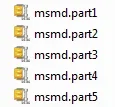
download muna dapat lahat .. then select all .. extract all parts in a folder ..
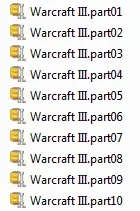
extract nyo ulit yung Warcraft III part 1 to 10 po sa ibang folder ..
run nyo nalang yung "Frozen Throne.exe" ..

ganto naman magpalit ng version ..
Switching Version :
extract Warcraft Version Changer in other folder .. copy versions into "wvs folder" .. DONT EXTRACT ..
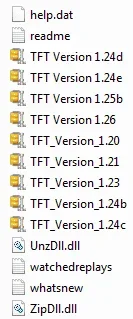
copy FrozenThrone.exe and WVS.exe then paste in desktop or gamebooster .. run WVS.exe ..
click Switch Version .. double click version you like .. then start Frozen Throne .. enjoy
how to PLAY GARENA ONLINE :
switch Frozen Throne in latest version .. do not click play .. close it ..
register @ You do not have permission to view the full content of this post. Log in or register now. .. click downlod now .. then install garena plus messenger ..
open garena plus messenger then click LAN Games ..
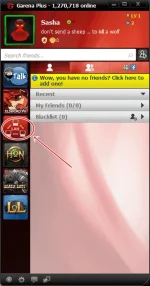
click game then WAR3 RPG ..
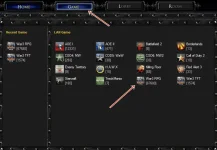
choose region and room ..
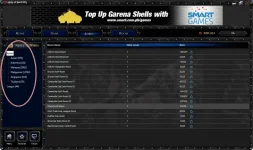
click start .. then Frozen Throne will play ..
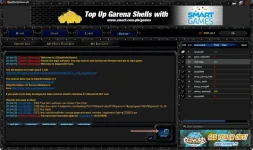
click Local Area Network .. choose map .. wait for the host to start the game .. or create the game to play with your friends ..
enjoy ..
