 PH
PHJeaPrimeTV
Forum Veteran
I'm receiving message about BM622i Wimax especially with Package Date 2011 unable to browse https site like Facebook . Having trouble with DNS problem , error message in Internet Download Manager Software (IDM). Some are completely Unable to Browse even the status is connected through internet.
Here is my Huawei Wimax BM622i Firewall and DNS Issue Review...
On DNS setting the default is 192.168.254.1 if you will receive error like this..
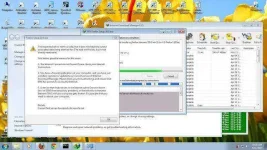
All you have to do is change your DNS to any public DNS like Google DNS
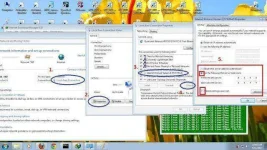
8.8.8.8 - 8.8.4.4
If you have a router set the DNS manualy used public DNS
Fallow this image:
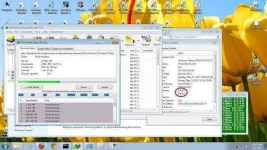
After Changing DNS this is the result...
About the Modem Firewall must be in LOW Level.
You can see in this image Medium level makes my ping in RED making this HIGH is worst..
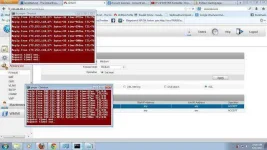
LOW level Firewall is OK..
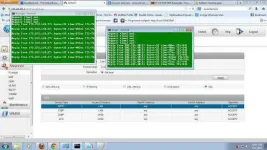
Hope you learned about this post Huawei Wimax BM622i Firewall and DNS Issue Review.
Keep and Touch :snaphappy: