 PH
PHSimple lang,
Both hold press volume down + power key until you hear shutter screenshot and screenshot photo image.
Hindi mo na kailangang magdownload ng App para sa screenshot.
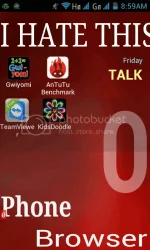
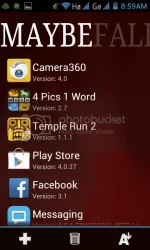
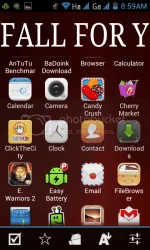
SAMPLE OF SCREENSHOT:
For more app and games for Flare
Join us on FB http://www.phc.onl/#forbidden#Cherry.Mobile.Flare.Group/
Thanks.
Both hold press volume down + power key until you hear shutter screenshot and screenshot photo image.
Hindi mo na kailangang magdownload ng App para sa screenshot.
SAMPLE OF SCREENSHOT:
For more app and games for Flare
Join us on FB http://www.phc.onl/#forbidden#Cherry.Mobile.Flare.Group/
Thanks.
