PH
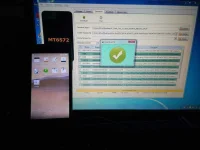
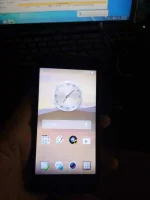
PHOPPO R831K FLASHING/PROGRAM DONE!
How to Flash Oppo R831K With Spflash tool?
The requirements of Oppo R831K is battery backup of 40% to 50%.
How to Flash Oppo R831K With Spflash tool?
The requirements of Oppo R831K is battery backup of 40% to 50%.
- Download and install You do not have permission to view the full content of this post. Log in or register now..
- Download Stock Rom of You do not have permission to view the full content of this post. Log in or register now. Password is oppo1
- Power Off your Mobile and remove Battery.
- Download and extract You do not have permission to view the full content of this post. Log in or register now..
- Now open sp flash tool and specify scatter file from that stock rom.
- Now press download button. if face any error change download mode to firmware upgrade.
- when Green bar of Ok appears your flashing done.
- Now unplug cable and remove battery.
- Now insert battery and press power button.
- Your flashing is complete enjoy.
- if you faced any error copy and paste that error in comments.