 PH
PHHard Reset SAMSUNG J100F Galaxy J1
First method:
Second method:
First method:
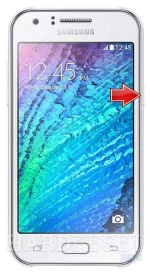
- At the beginning turn off the phone by holding the Power key.
section:eq(0) > ol:eq(0) > li:eq(0)" data-section-id="" style="box-sizing: border-box; clear: both; width: 728px; height: 90px; margin-right: auto; margin-left: auto;"> - Then press and hold the Volume Up + Home + Power button until you see logo of your phone.
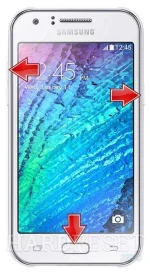
- As soon as you see the Android Image menu release held buttons.
- In order to enter the Recovery Mode hold down the Power key for a short while.
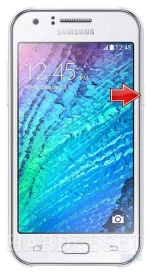
section:eq(0) > ol:eq(0) > li:eq(3)" data-section-id="" style="box-sizing: border-box; clear: both; width: 728px; height: 90px; margin-right: auto; margin-left: auto;"> - Afterward from the menu choose "Wipe Data/Factory Reset" by using Volume buttons to scroll and Power button to select options.
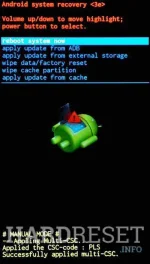
- Confirm the whole operation by tappinng "yes".
section:eq(0) > ol:eq(0) > li:eq(5)" data-section-id="" style="box-sizing: border-box; clear: both; width: 728px; height: 90px; margin-right: auto; margin-left: auto;"> - After that select option "reboot system now".
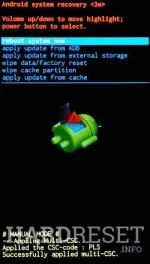
- Success! The hard reset has just been performed
Second method:
- Turn on the phone by using the Power button.
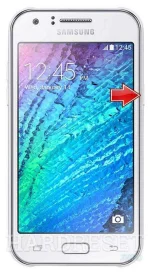
- Find and select Settings and then go to User and Backup.
- Tap Factory Data Reset
- Confirm all information on your screen.
- Well done
