PH
PHDeCrypTor69
Forum Veteran
Here’s step to how to one name in facebook using mobile version.
- Visit mobile version of facebook via You do not have permission to view the full content of this post. Log in or register now.
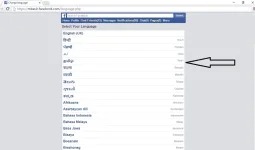
- Log in to your facebook account and visit language page. You do not have permission to view the full content of this post. Log in or register now.
- Now select tamil language from the given languages.
- After selecting Tamil language to visit the account setting page. https://mbasic.facebook.com/settings/account
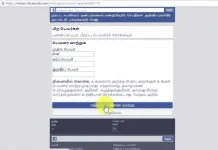
- Now remove your last name and click on blue button if you don’t understand Tamil.
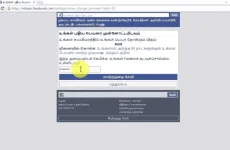
- Now enter your password and again click on blue button.