 PH
PHShinsuke Nishizono
Wimpy Kid
Eto ay currently working sa old zenfone devices like zenfone go , zenfone 2 , zenfone 2 laser and etc..
Pero sa zenfone 3 , i don't know if gonna works. But try mo na rin. Walang mawawala.
Difficulty: Easy
Time to work : 3-5 minutes
Device on the tutorial : Zenfone 2 Laser
Requirements
1. Kapag nasa setup wizard click next two times. Until makita mo to.
"Tap on WiFi only."
2. I-Connect mo sa Wifi mo.
3. Click next sa terms and conditions then get ready.
4. Once nagchechecking connection ng nasa setup wizard , ready na sa disconnection. Note : Kapag nasa Software Updates na ipatay mo na ng wifi mo. Just like this.
5. Now kapag nakita mo katulad nasa picture good job! If iba try again until makita mo ng nasa picture.
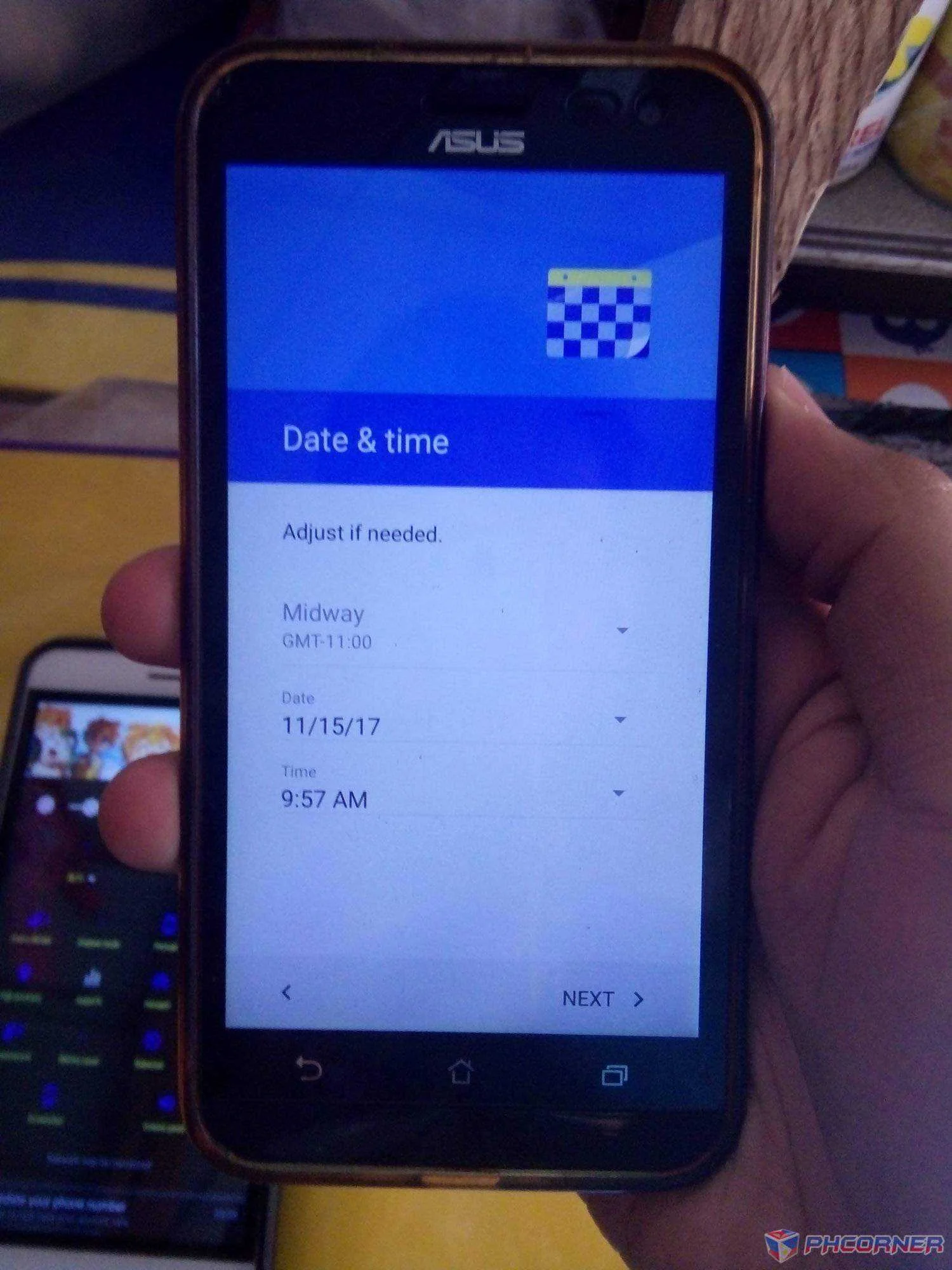
6. Next lang sa Setup ng time then setup mo yung passcode mo.
7. Once nalagay mo na ng password next na lang ng next.
Done!
Kala mo fake? Nope. Ganyan ng frp ng asus. Once na complete ng setup process automatically delete ng frp partition sa system.
Salamat sa pag-view! Wag kakalimutang i-like if nakatulong ako!
© Shinsuke Nishizono
Pero sa zenfone 3 , i don't know if gonna works. But try mo na rin. Walang mawawala.
Difficulty: Easy
Time to work : 3-5 minutes
Device on the tutorial : Zenfone 2 Laser
Requirements
- A Frp Locked Phone
- A mobile hotspot. (wala sa walang internet use http injector and tethered via hotspot *rooted)
- Timing
1. Kapag nasa setup wizard click next two times. Until makita mo to.
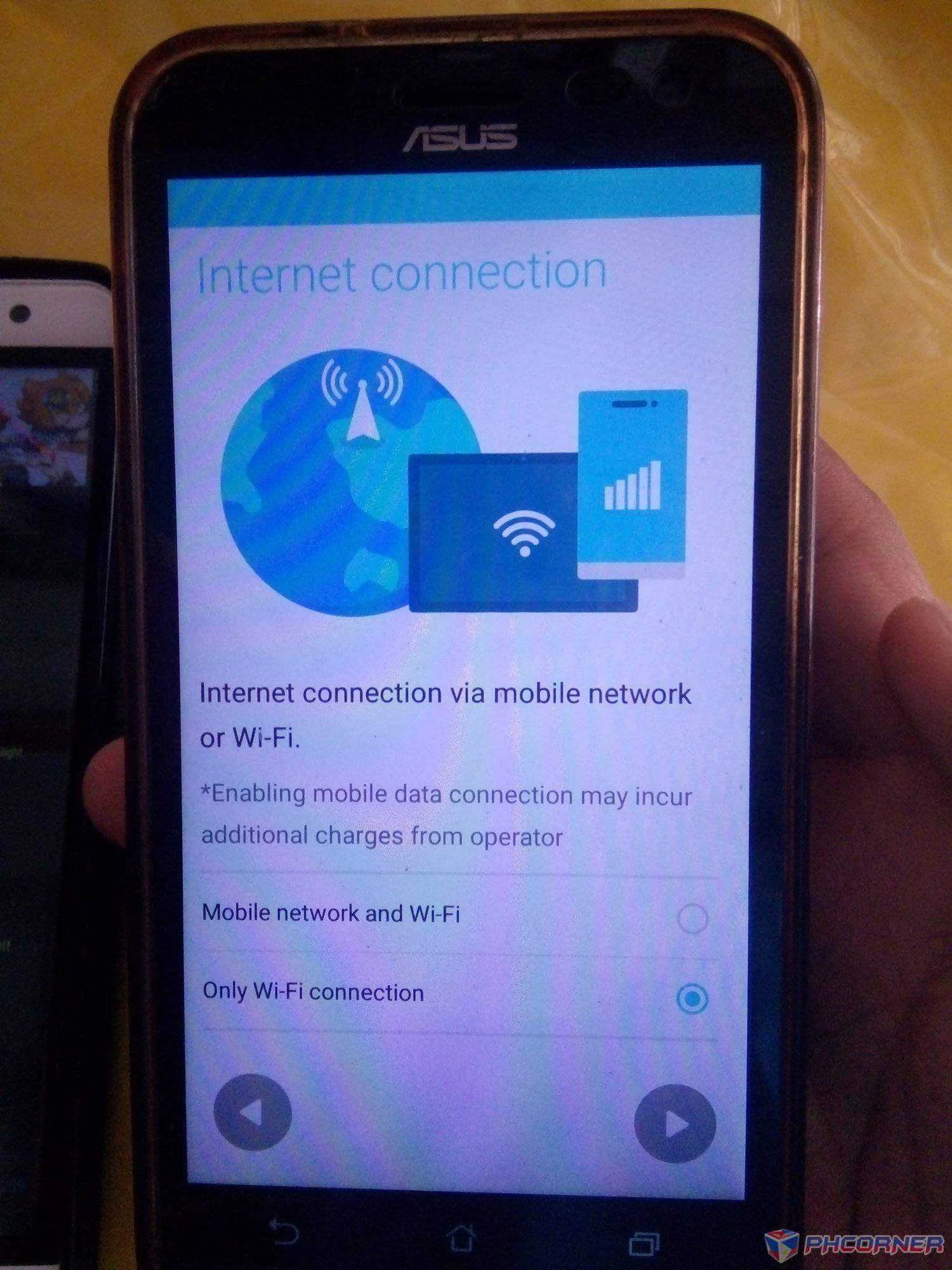
"Tap on WiFi only."
2. I-Connect mo sa Wifi mo.
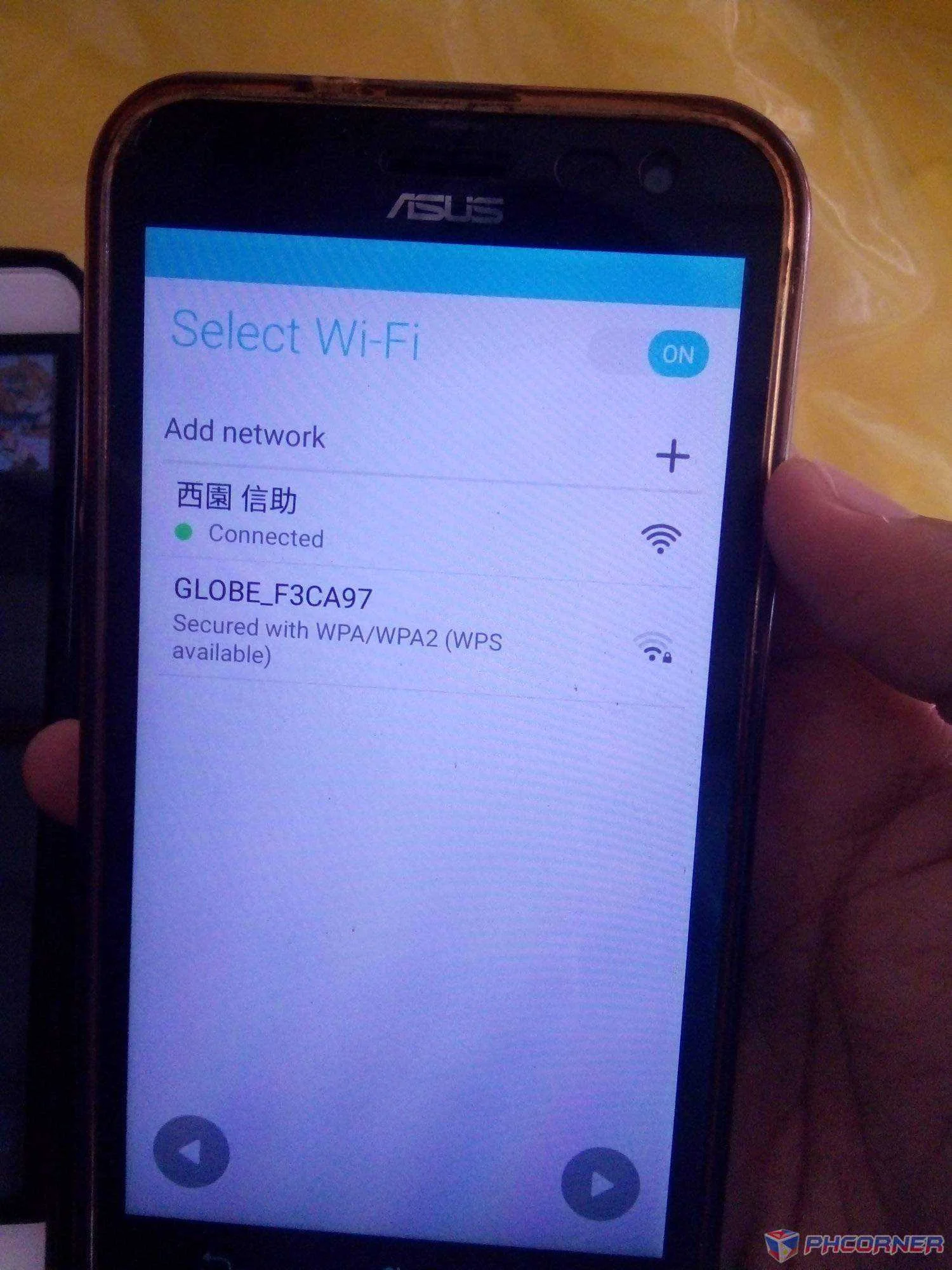
3. Click next sa terms and conditions then get ready.
4. Once nagchechecking connection ng nasa setup wizard , ready na sa disconnection. Note : Kapag nasa Software Updates na ipatay mo na ng wifi mo. Just like this.
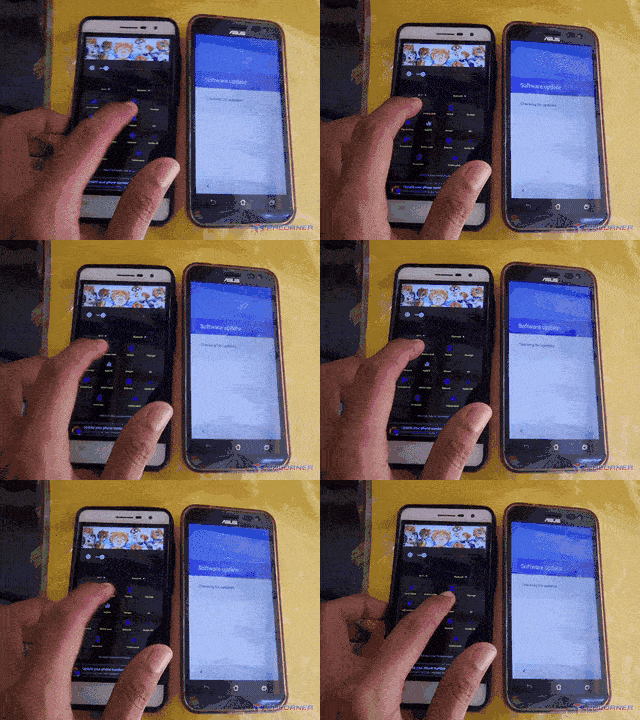
5. Now kapag nakita mo katulad nasa picture good job! If iba try again until makita mo ng nasa picture.
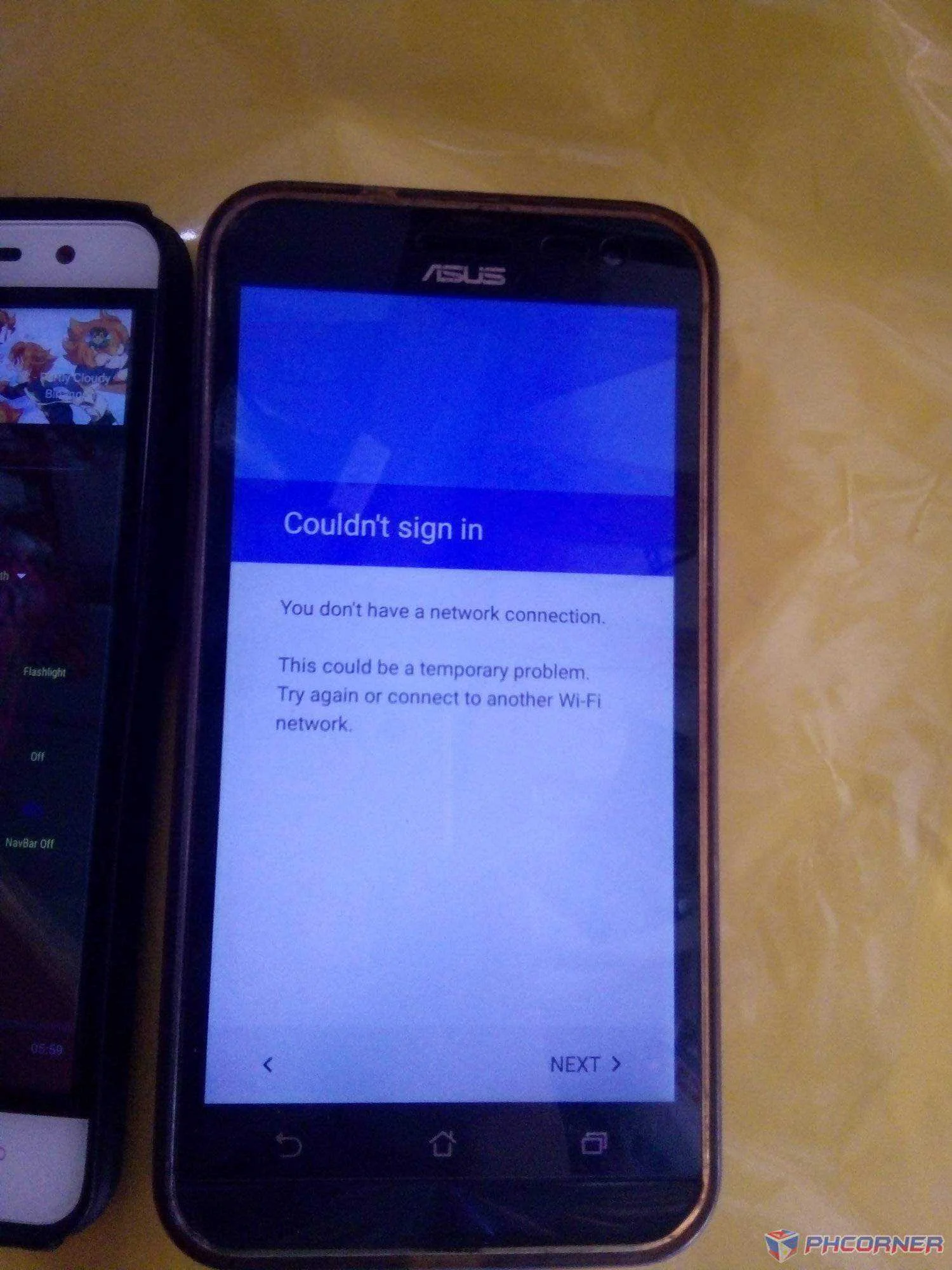
6. Next lang sa Setup ng time then setup mo yung passcode mo.
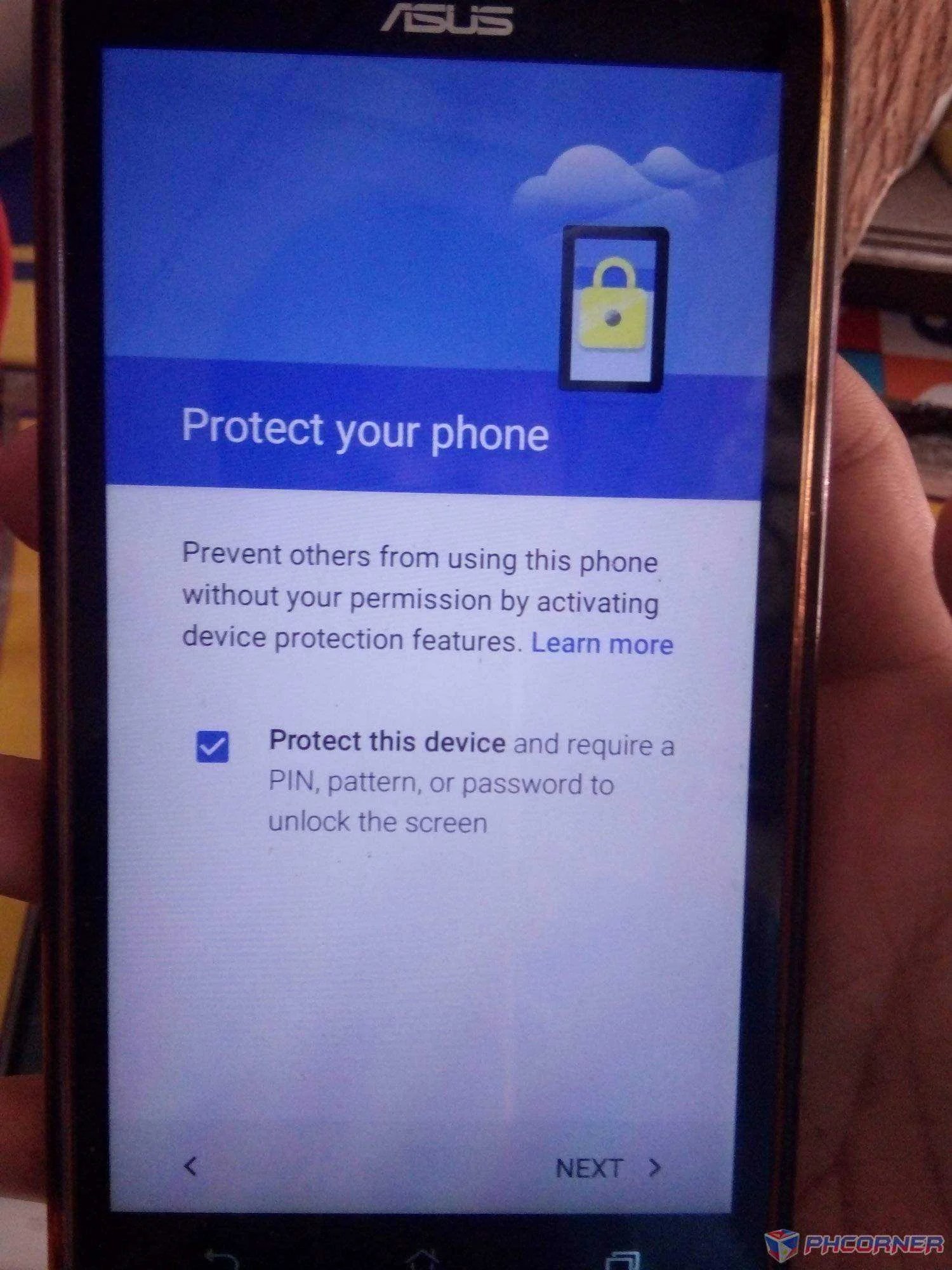
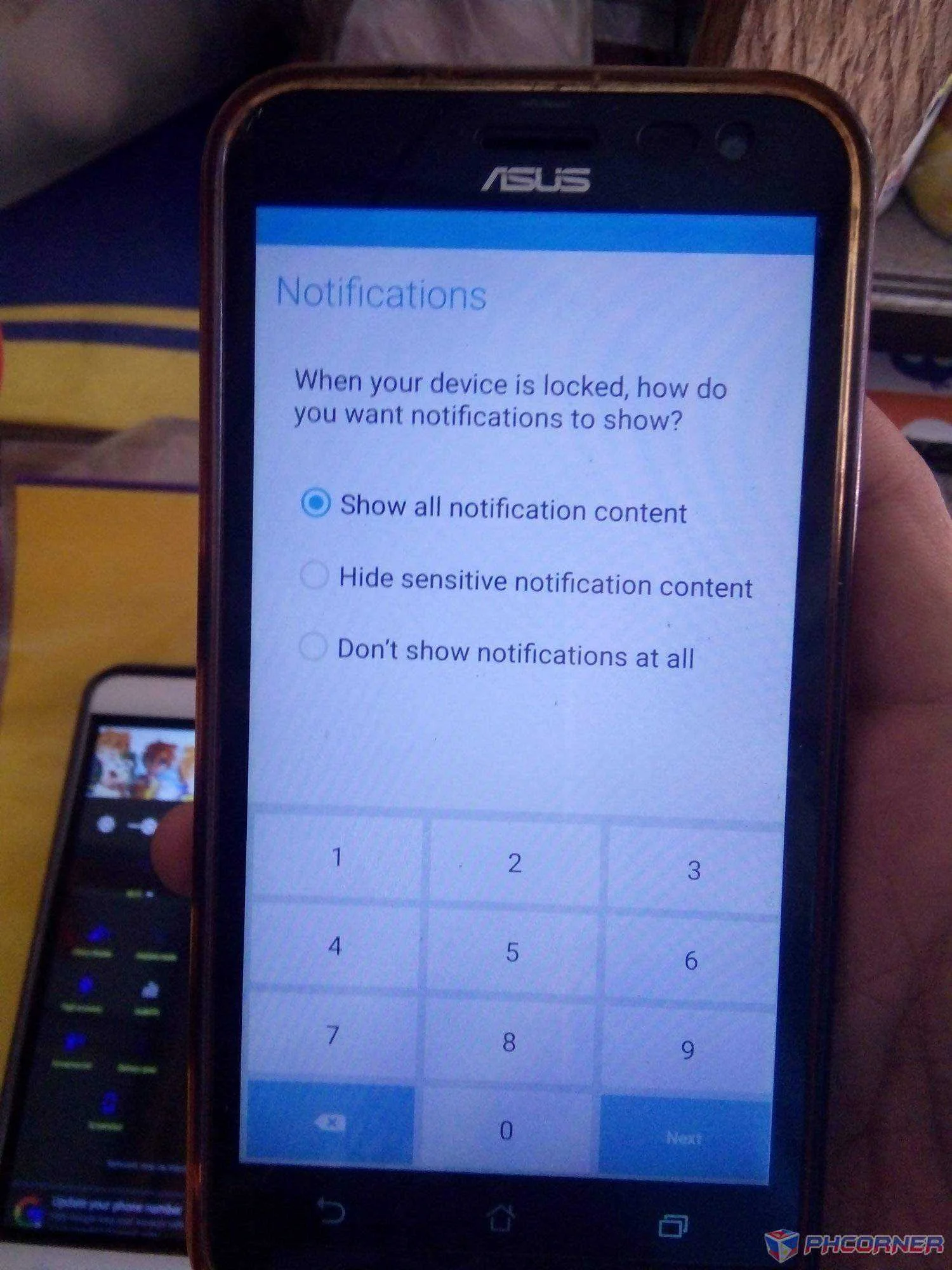
7. Once nalagay mo na ng password next na lang ng next.
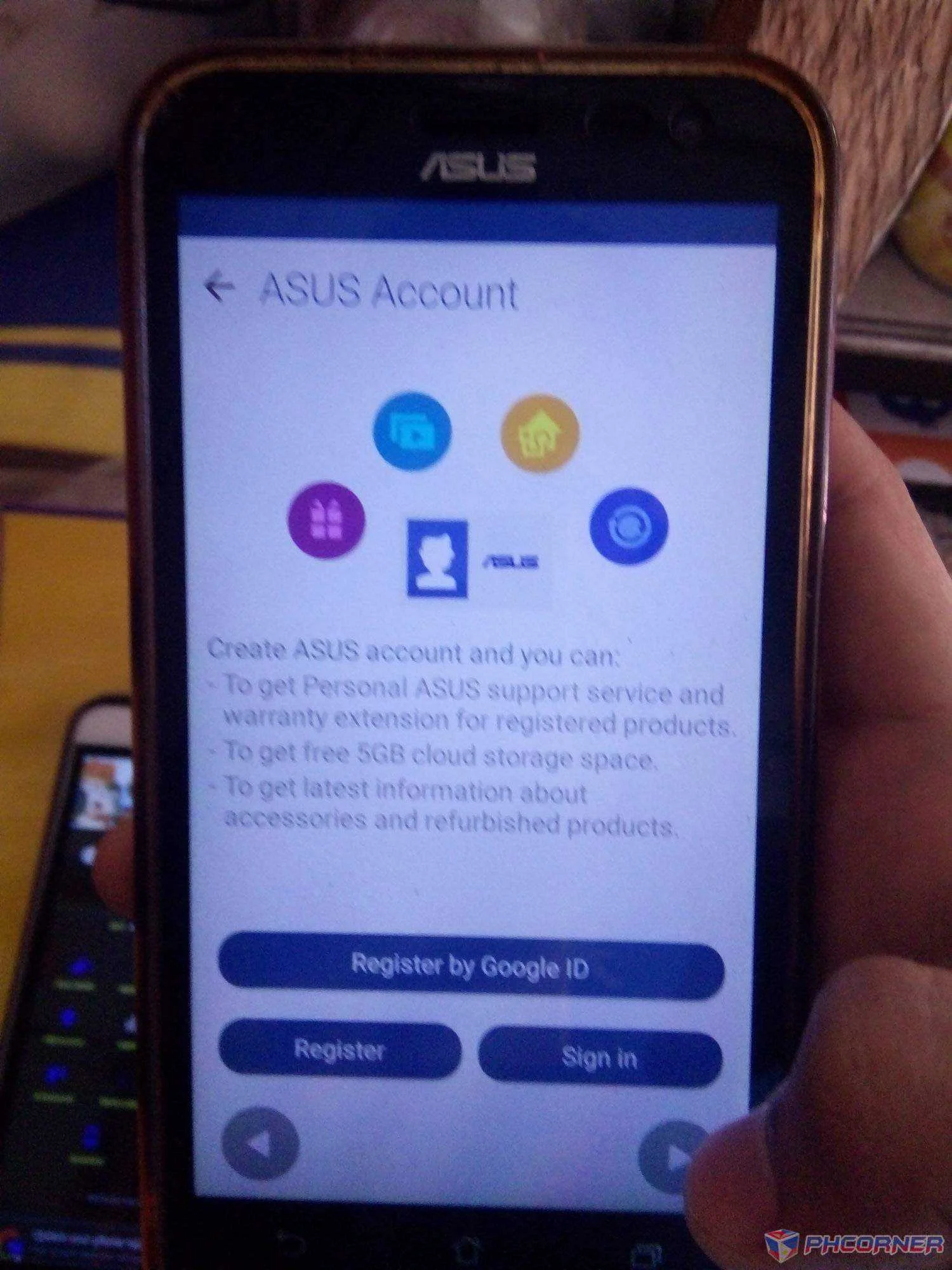
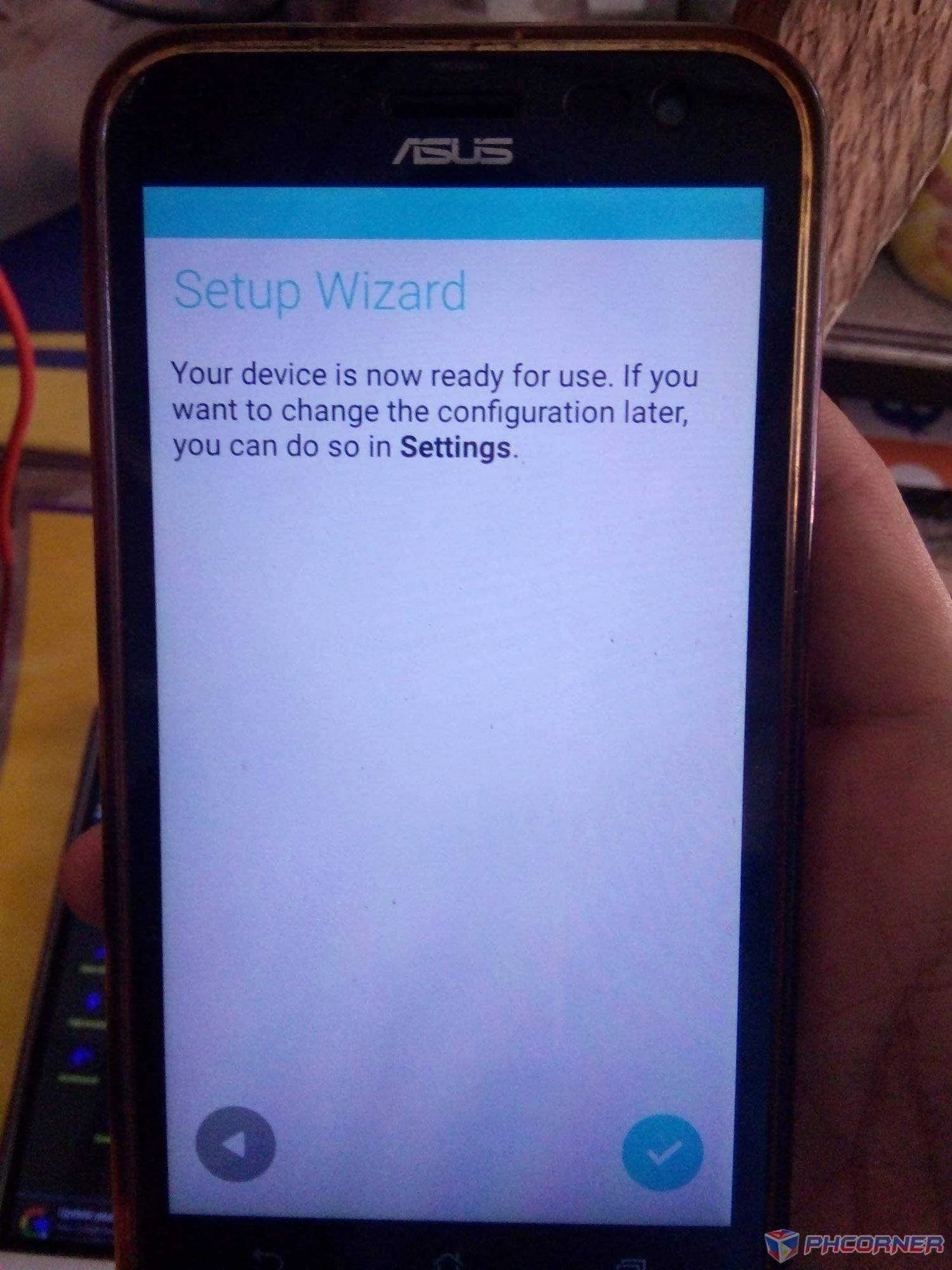
Done!
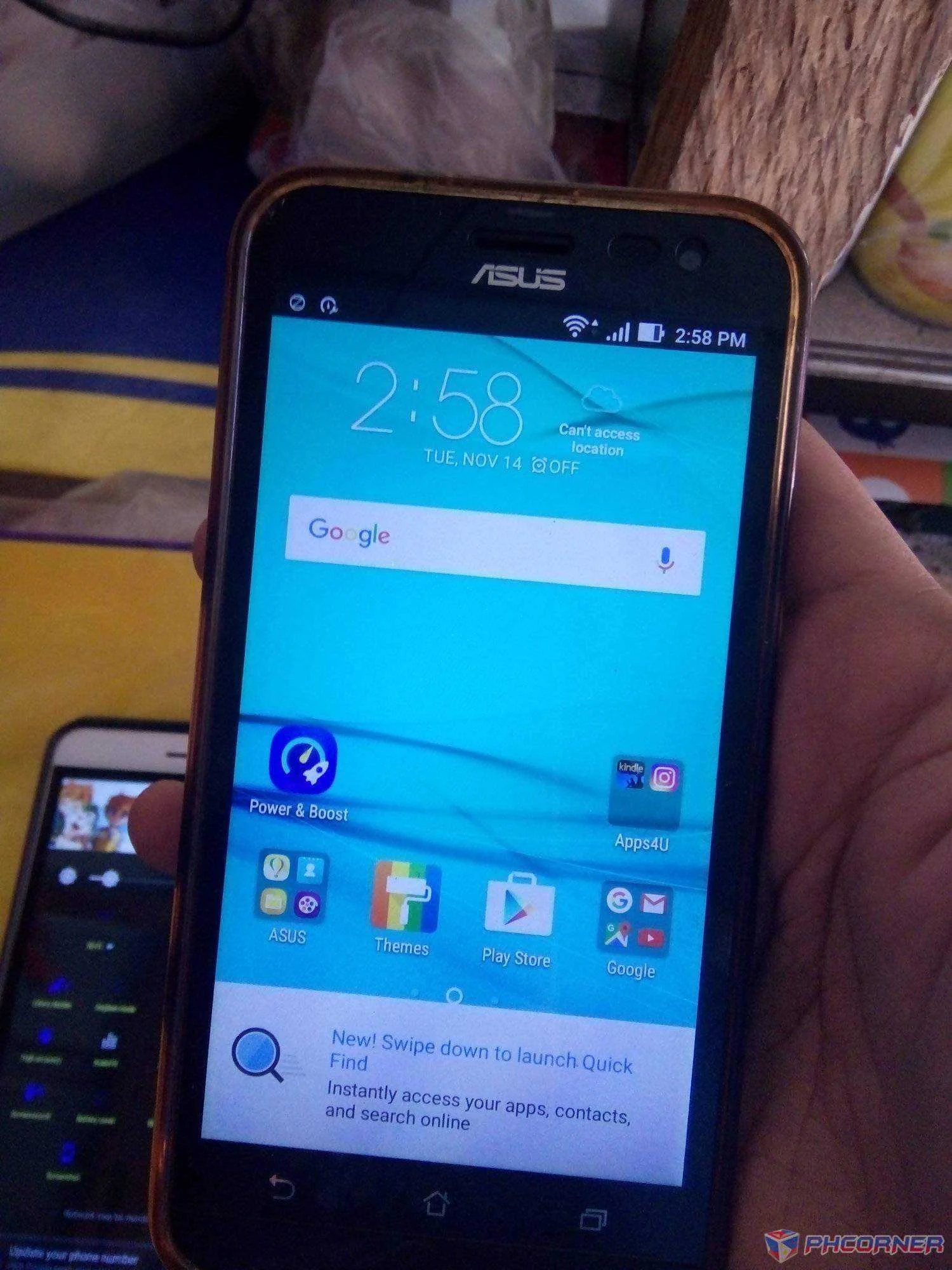
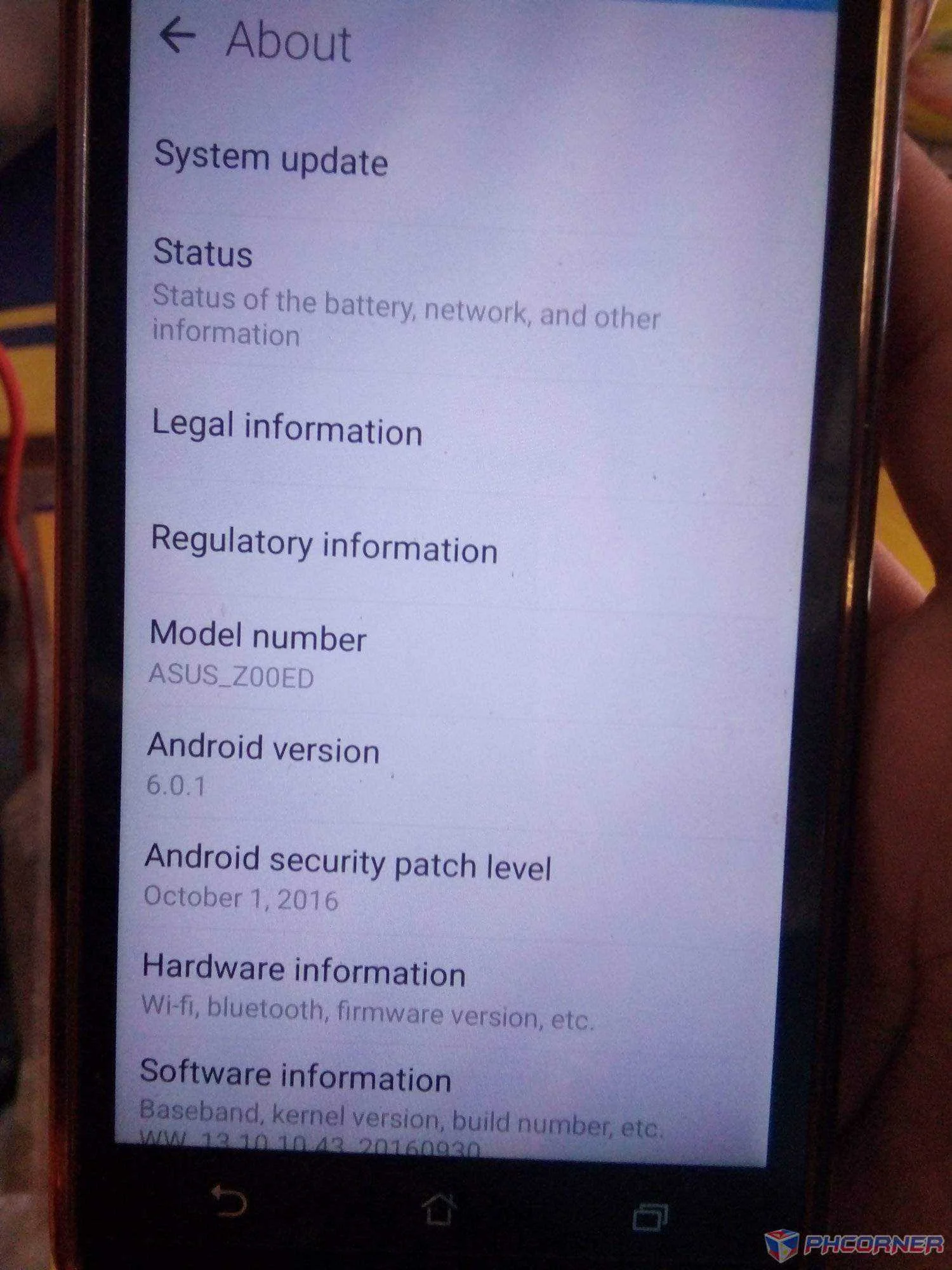
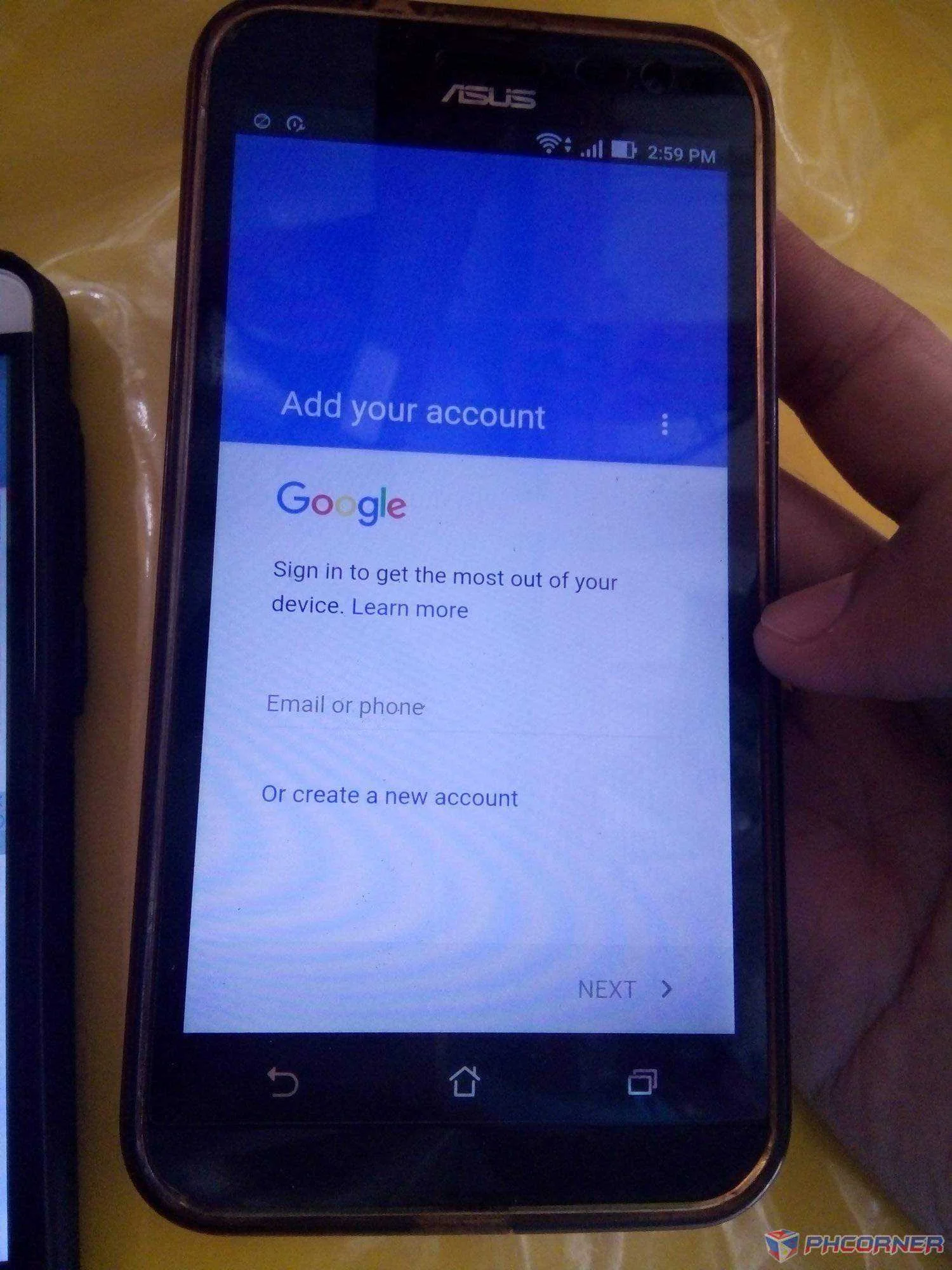
Bat nawala agad ng google account without resetting?
Kala mo fake? Nope. Ganyan ng frp ng asus. Once na complete ng setup process automatically delete ng frp partition sa system.
Salamat sa pag-view! Wag kakalimutang i-like if nakatulong ako!
© Shinsuke Nishizono