PH
PHXxRicardoMilosxX
Forum Veteran
Steps..
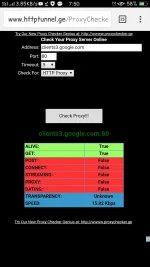
1. Go to You do not have permission to view the full content of this post. Log in or register now.
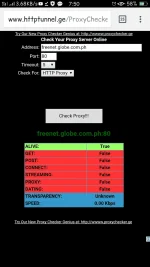
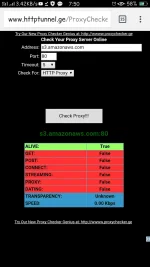
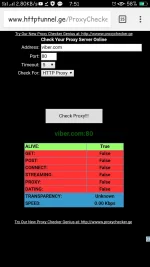
2. Type your payload and use this port (80)
3. Look at the results
Note :
If your payload speed is 0.00kbps and it connected to your vpn that means you have a promo or gswitch
The higher the speed of the payload the more faster your connection is..
Defenition of payload used in vpns :
payload is the part of You do not have permission to view the full content of this post. Log in or register now. that is the actual intended message. The payload excludes any You do not have permission to view the full content of this post. Log in or register now. or You do not have permission to view the full content of this post. Log in or register now. sent solely to facilitate payload delivery
Source : Wikipedia
You can also check how fast your remote proxy is.
1. Go to You do not have permission to view the full content of this post. Log in or register now.
2. Type your payload and use this port (80)
3. Look at the results
Note :
If your payload speed is 0.00kbps and it connected to your vpn that means you have a promo or gswitch
The higher the speed of the payload the more faster your connection is..
Defenition of payload used in vpns :
payload is the part of You do not have permission to view the full content of this post. Log in or register now. that is the actual intended message. The payload excludes any You do not have permission to view the full content of this post. Log in or register now. or You do not have permission to view the full content of this post. Log in or register now. sent solely to facilitate payload delivery
Source : Wikipedia
You can also check how fast your remote proxy is.