 PH
PHdjdoolky76
Elite
Device: Alcatel Onetouch POP 5051E
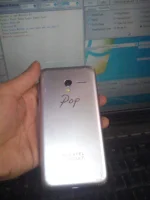
Problem:
Google authentication required after applying factory reset / FRP locked
Solution:
1.) Open miracle toolbox (c-r-a-c-k-e-d)
2.)Click MTK tab, then click Unlock/Fix tab, and lastly click Clear Setting/Frp then press start button
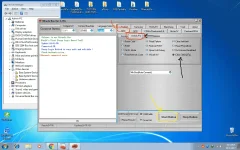
4.) Turn off your device then press Volume + and - at the same time and insert to your usb cable
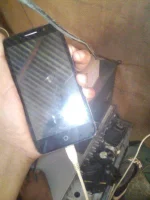
Take note!
If may error na lumabas sa miracle c-r-a-c-k niyo like this
Deny it and remove your usb cable
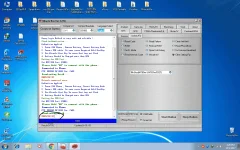
Congrats! sucessfully remove google account/Frp in your Alcatel onetouch pop pera! pera! nanaman ako ngayun!
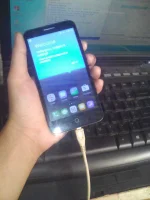
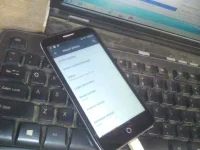
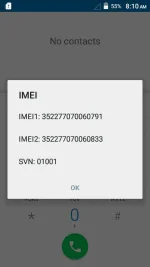
Sana makatulong
Happy watching !
Problem:
Google authentication required after applying factory reset / FRP locked
Solution:
1.) Open miracle toolbox (c-r-a-c-k-e-d)
2.)Click MTK tab, then click Unlock/Fix tab, and lastly click Clear Setting/Frp then press start button
4.) Turn off your device then press Volume + and - at the same time and insert to your usb cable
Take note!
If may error na lumabas sa miracle c-r-a-c-k niyo like this
Code:
ERR21002:00Congrats! sucessfully remove google account/Frp in your Alcatel onetouch pop pera! pera! nanaman ako ngayun!
Sana makatulong
Happy watching !