PH
PHinstall vpngate (client)...
after installing...
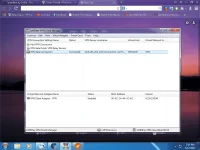
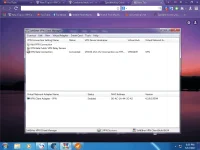
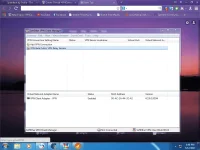
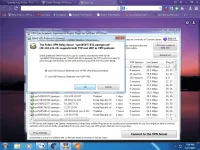
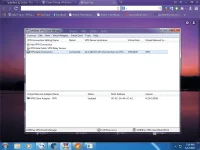
double click vpn gate public vpn relay servers...
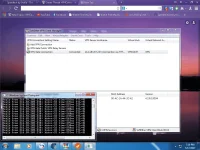
click proxy setting...
in proxy type: connect via HTTP proxy server...
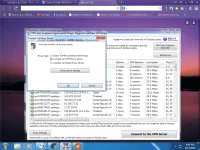
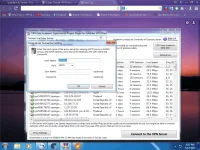
press proxy server setting...
host name: 127.0.0.1
port: 25378
then press ok...
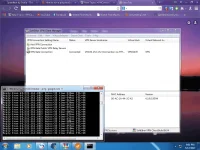
then select ddns hostnames,
much better kung low ping...
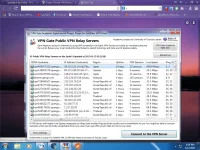
*use tcp protocol (ethernet over https vpn) recommended...
after installing...
double click vpn gate public vpn relay servers...
click proxy setting...
in proxy type: connect via HTTP proxy server...
press proxy server setting...
host name: 127.0.0.1
port: 25378
then press ok...
then select ddns hostnames,
much better kung low ping...
*use tcp protocol (ethernet over https vpn) recommended...