 PH
PHFreeNetNeed
Elite
Tools and Materials Needed:
You do not have permission to view the full content of this post. Log in or register now.
DL Me You do not have permission to view the full content of this post. Log in or register now.
Steps:
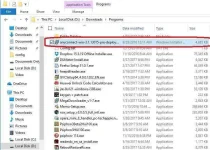
1. Download Anyconnect Cisco Link provided na.
Install Anyconnect
2. After Installation Go to this Link You do not have permission to view the full content of this post. Log in or register now. for anyconnect accounts
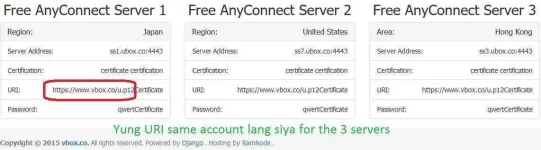
3. Open You do not have permission to view the full content of this post. Log in or register now. on browser a prompt popup ask you to save the u.p12. Open u.p12
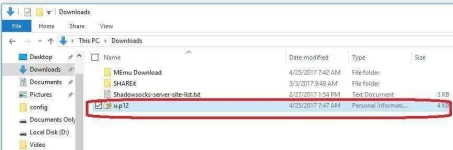
Click next all
A password prompt type qwert for pass
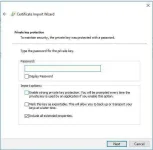
4. Run AnyConnect Secure Mobility Client CISCO or vpnui.exe
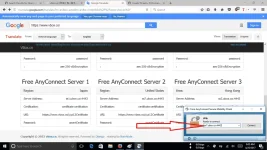
Input your Server Address ex. ss1.ubox.co:4443
Click start wait for confirmation to be connected
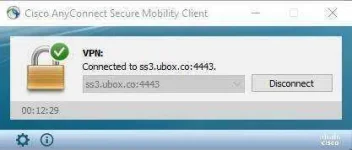
After connected it should look like this
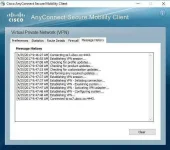
Start Browsing and Download
Guys Feedback if working sa no load or promo ng GTM naka legit wifi kasi ako ngayon kaya hinde ko pa siya ma try sa my sim

