 PH
PHketchup009
Established
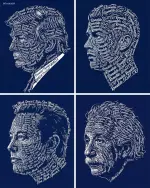
WORKFLOW
1. Search for google flow, then click the first link.
2. Click "New project".
3. Attach your desired image as reference.
4. Input the prompt.
5. Download the image if satisfied with the result.
Here's my sample work:
Attached image as reference:

1. Search for google flow, then click the first link.
2. Click "New project".
3. Attach your desired image as reference.
4. Input the prompt.
5. Download the image if satisfied with the result.
Here's my sample work:
Attached image as reference:
Edited prompt:
THE RESULT:
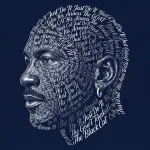
 Keep on trying until you are satisfied with the result!
Pa-react na lang kung nagustuhan at nakatulong. Salamat!
Keep on trying until you are satisfied with the result!Pa-react na lang kung nagustuhan at nakatulong. Salamat!