 PH
PHkline achxyl
Honorary Poster
Just follow the screenshots
First: go to settings and click packet Wi-Fi name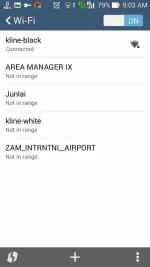
second: long pres nyo name ng packet WiFi kung saan ka
connected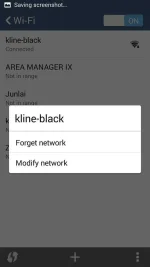
Click Modified
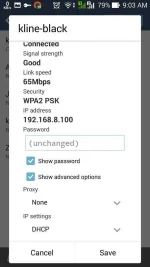
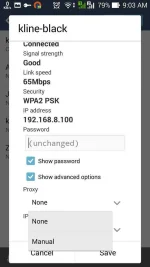
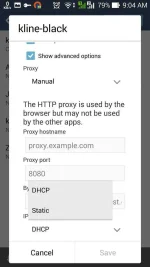
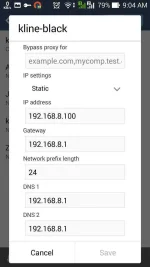
And kayo na bahal kung ano lagay nyo proxy and port
Please like my post if useful
good luck
First: go to settings and click packet Wi-Fi name
second: long pres nyo name ng packet WiFi kung saan ka
connected
Click Modified
And kayo na bahal kung ano lagay nyo proxy and port
Please like my post if useful
good luck
