 PH
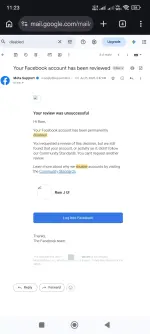
PHEdit: July 25, 2025 permanently disabled yung Facebook account ko, at nung May 2026 tinry ko erecover using the steps below. 
1. Log in to Instagram using the same Facebook-linked email/username and password.
2. Avail Meta Verified/Meta Plus if the free offer is available on your account.
3. Contact Meta Support through Instagram and explain that your Facebook account was disabled and you need assistance recovering it.
4. Submit the required information or proof requested by Meta Support.
5. Wait for Meta’s reply. Check your Instagram notifications, email, and support inbox regularly for updates.
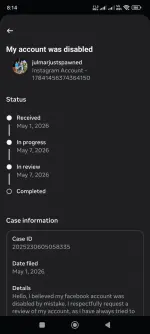
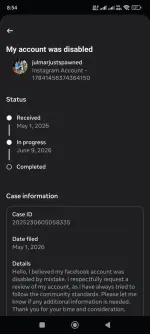
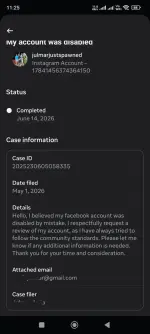
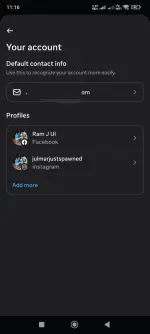
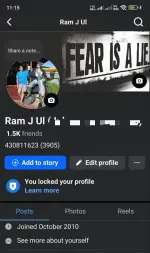
See attached photo for the proof!
1. Log in to Instagram using the same Facebook-linked email/username and password.
2. Avail Meta Verified/Meta Plus if the free offer is available on your account.
3. Contact Meta Support through Instagram and explain that your Facebook account was disabled and you need assistance recovering it.
4. Submit the required information or proof requested by Meta Support.
5. Wait for Meta’s reply. Check your Instagram notifications, email, and support inbox regularly for updates.
See attached photo for the proof!