Dashboard: Modern interface featuring an built-in icon request tool and an FAQ section.
Changelog: 30+ new icons added in this update.
Compatibility & Installation
To utilize this icon pack, a supported launcher must be installed.
Supported Launchers
ABC, Action, ADW, Apex, Atom, Aviate, CM Launcher, Evie, GO Launcher, Holo, Holo HD, Lucid, M Launcher, Mini, Next, Niagara, Nougat, Nova, OnePlus, Smart, Solo, Square, V Launcher, ZenUI, and others.
Setup Instructions
Install a compatible launcher.
Open the Borealis application and select Apply, or manually select the icon pack within the launcher's settings.
Troubleshooting Note: If using alternative icons, ensure the "normalize icon size" option is disabled in the launcher settings to prevent scaling issues.
 PH
PH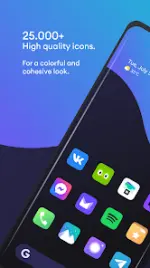
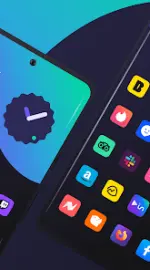
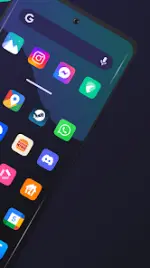

.webp "(ditto) :(ditto):")
