PH
PHrainych_ran
Contributor

Watch Movies & TV Shows Directly From IMDb
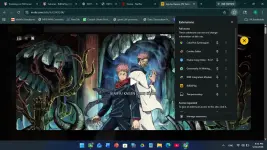
Demo Preview
Features
- Direct movie and TV show playback from IMDb
- Beautiful fullscreen overlay player
- One-click streaming experience
- Ctrl/Cmd + Click support for opening in new tab
- ESC key support to close overlay
- Loading spinner with smooth animations
- Lightweight and fast
- Clean modern UI inspired by IMDb
- No account required
- No background tracking
Installation
Method 1 — Download ZIP
- Open the link that i provide
- Click: Download
- Extract the ZIP file
- Open Chrome and go to: chrome://extensions
- Enable: Developer mode
- Click: Load unpacked
- Select the extracted IMDbPlay folder
- Done. The extension is now installed.
Download
First trick : https://phcorner.org/threads/2517692/