 PH
PHWizKhalifaX_
Forum Expert
Have you ever tried to delete a folder or file, only to be greeted by that dreaded message:
"The action can't be completed because the folder or a file in it is open in another program"?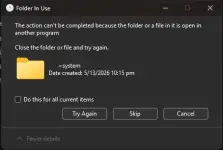
- You open Task Manager, hunt down some apps, terminate processes… yet the folder still refuses to budge. Frustrating, right?
Imagine this:
- No more endless guessing games.
- No more restarting your PC just to delete one stubborn folder.
- No more “skip” or “try again” loops.
So next time Windows throws the “Folder In Use” tantrum, don’t panic — just bring out the right tool and take control.
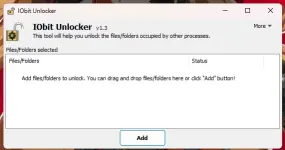
IObit Unlocker
 Never Worry about “Cannot Delete Files” on Your PC
DOWNLOAD HERE
ELITE/CONTRIBUTOR/LEGENDARY
Spoiler contents are visible only to Established Members.
LEECHERS
DOWNLOAD HERE: You do not have permission to view the full content of this post. Log in or register now.