 PH
PH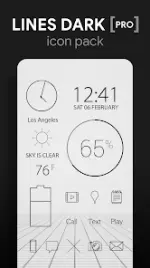
Lines Dark Pro - Icon Pack v3.8.5
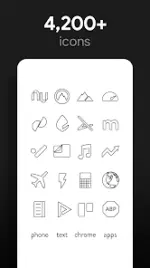
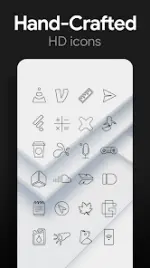
Lines Dark Pro is a collection of handcrafted, black outlined icons featuring transparent centers designed to showcase underlying wallpapers.Technical Specifications
| Detail | Specification |
|---|---|
| Version | v3.8.5 [Patched] |
| Android Requirement | 6.0 and up |
| Icon Resolution | 192x192 (XXXHDPI) |
| Total Icons | 4,200+ |
| Total Wallpapers | 200+ (Cloud-based) |
| Format | Flat, dark outlined, transparent centers |
Features
- Icon Variety: Over 4,200 HD icons including multiple variations for system apps (Phone, Contacts, Camera).
- Wallpaper Library: Includes 200+ scenic, landscape, and classical art wallpapers compatible with Muzei.
- Widget Suite: Includes system and editable KWGT widgets for battery, digital/analog clocks, and weather.
- Icon Requests: Dedicated "Request" tab for submitting new icon suggestions.
- Updates: Regular additions; the latest version adds 115 icons to the Pro set.
Compatibility
A third-party launcher is required to apply this icon pack.| Category | Supported Launchers |
|---|---|
| Recommended | Nova Launcher |
| Direct Application | Poco, ADW, Action, Apex, Atom, Aviate, Go, Holo, Inspire, KK, Lucid, Next, Nine, Solo, Smart, Themer, TSF |
| Via Launcher Settings | Microsoft, Evie, Yandex |
Installation and Usage
Applying Icons:- Method 1 (App Interface): Open the app > Navigate to "Apply" tab > Select Launcher.
- Method 2 (Launcher Settings): Long-press home screen > Personalization/Icon Settings > Select "Lines Dark".
- Icons can be manually changed in most launchers by long-pressing the specific icon.
- Nova Launcher users can utilize the icon name search feature during manual application.
- If widgets fail to update, exempt the app from battery optimization in system settings.