 PH
PH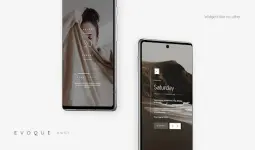
App Overview
| Property | Details |
|---|---|
| App Name | Evoque KWGT |
| Version | 9.6.2 |
| Android Requirement | 9.0 and up |
| Base Requirement | KWGT Pro (Play Store version) |
| Total Widgets | 168 |
Technical & Mod Specifications
| Feature | Status/Details |
|---|---|
| License | ρáíd / Patched / Premium |
| Root Required | No |
| Optimization | Removed useless files and debug codes |
| Languages | Multi-language support |
| Architecture | Universal |
| Signature | Changed from original |
Key Features
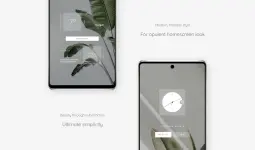
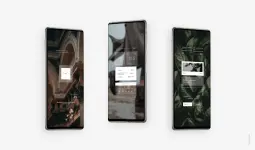
- Design Language: Minimalist geometric figures with streamlined typography, influenced by modern architecture and luxury design elements.
- Data Integration: Widgets display time, weather, date, and system information.
- Customization: Full color customization available for all presets within the collection.
- Scalability: Supports manual resizing via the "Layer" setting in the KWGT menu.
Changelog (v9.6.2)
- Refined UI and animations.
- Expanded library to 168 total widgets.
Installation Instructions
- Install Kustom KWGT and the KWGT Pro Key.
- Launch Evoque and select 'Load Preset' from the sidebar.
- Choose the desired widget and select Save.
- If the widget does not fit the screen correctly, navigate to the 'Layer' tab in the KWGT editor to adjust the scale.