 PH
PH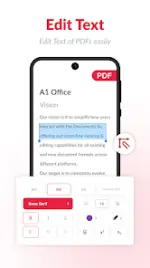

App Overview: PDF Editor & Scanner
Version: 6.16.0 b115 (Pro)Requirements: Android 7.0+
Architecture: Modded by TurboMods (Pro Features Unlocked, Debug Info Removed)
Core Specifications
| Feature | Details |
| Primary Functions | PDF Editing (Text/Images), Document Scanning, Format Conversion |
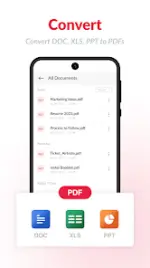
| Conversion Support | Text to PDF, Excel to PDF, Images to PDF |
| Page Management | Reorder, Replace, Rotate, Delete, Insert, Copy, Export |
| Security | Local device storage, Password protection |
| Output Formats | A4, Legal, Ledger, Custom watermarks |
Key Features
1. PDF Editing & Annotation
- Text Editor: Modify or replace existing text within PDF documents.
- Image Editor: Edit or swap images within existing files.
- Advanced Tools: E-sign, annotate, add comments, audio recording, shapes, links, and stamps.
- Forms: Create and fill digital forms.
2. Mobile Scanner & Image Processing
- Camera Scanner: Capture high-quality images and merge into single PDFs.
- ID Scanner: Specialized mode for ID cards, passports, and licenses.
- Post-Processing: Automatic edge detection, manual cropping, brightness/contrast adjustment, and color filters.
3. Document Management
- File Optimization: Merge, split, and compress PDF files.
- Organization: Duplicate file removal and custom naming.
- Offline Mode: Scanning and conversion functionality without internet access.
Version 6.16.0 Changelog
- New PDF Editor: Enhanced capability to edit existing text and images or insert new elements.
- Improved Toolset: Updated engines for merging, compressing, and splitting documents.
- Page Operations: New interface for reordering and exporting individual PDF pages.
- Form Integration: Expanded options for on-device form creation.