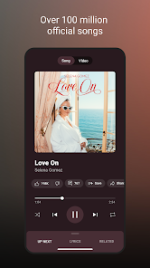
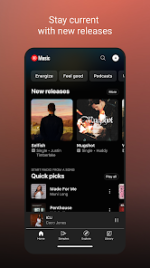
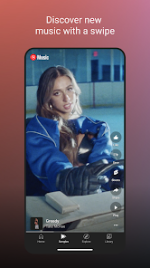
YouTube Music Morphe is a modified version of the YouTube Music application. It integrates Morphe patches to provide an ad-free experience, background playback, and various UI/UX optimizations.
App Specifications
Category
Details
Base Version
YouTube Music v8.44.54
ρá†ch Version
Morphe Patches (mpp) v1.17.0
Android OS
8.0+
Package Name
app.morphe.android.apps.youtube.music
Architectures
arm64-v8a, armeabi-v7a
DPI Support
120dpi, 160dpi, 240dpi, 320dpi, 480dpi, 640dpi
Localization
Full Multi Languages
Core Features
Premium Functionality: Ad-free music streaming, background playback (screen locked/minimized), and Return YouTube Dislike integration.
Content Discovery: Access to official releases, live performances, remixes, and lyric-based search.
Customization: Experimental support for v9.09.52 and custom branding options for app icons and names.
Optimization: Includes SponsorBlock, QUIC protocol disabling, and DRC audio management.
Launch the application and sign in to a Google account.
Technical Notes:
Playback Issues: If playback errors occur, navigate to Settings > Morphe > Miscellaneous and enable Spoof video streams. You may also manually select a client via the Default client list.
Visual Customization: App icons and naming conventions can be toggled under Settings > Morphe > General.
 PH
PH