 PH
PHElaiza_ikd
Forum Guru
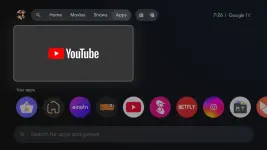
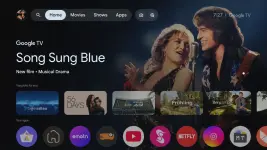
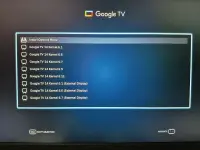
Google TV x86_64
By: @AMRGAMAL1
DOWNLOAD
You do not have permission to view the full content of this post. Log in or register now.
How to Install the System
1. Burn the ISO to a USB flash drive using Rufus or balenaEtcher.
2. Create a new partition for the system with at least 16 GB and name it something like GTV. This will help you quickly recognize it during installation.
3. Boot from the USB flash drive that contains the ISO.
4. Select the Install Options Menu, then choose Installations:
If you want to install Google TV alongside Windows or Linux, use this option.
5. If you want to install Google TV on the entire hard drive, choose the second option to install on a specific hard drive and select the hard drive name. Be aware: selecting the entire hard drive will erase all existing data on it, so proceed with caution.
⚠ This system is designed for Intel devices and supports only UEFI boot mode with GPT partitioning.