 PH
PH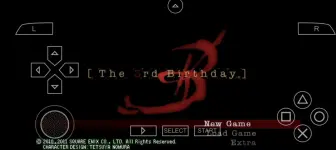

Step 1: Download The 3rd Birthday ZIP File and Extract...
Link: You do not have permission to view the full content of this post. Log in or register now.
Step 2: Download ZArchiver on Playstore
Step 3: Download PPSSPP - PSP emulator on Playstore
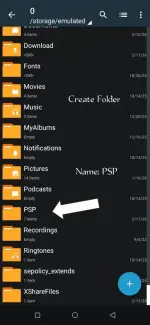
Step 3: Open the ZArchiver then Create Folder Name PSP
Step 4: Open PPSSPP
Step 5: Pindutin ang Ok.
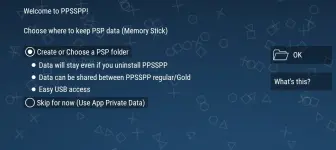
Step 6: Use This Folder Select PSP Folder
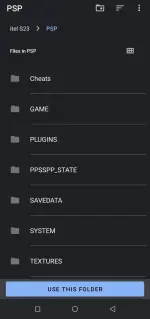
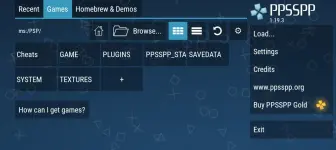
Step 7: Pindutin ang Load...
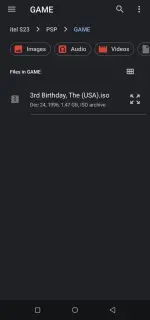
Step 8: Pindutin ang 3rd Birthday, The (USA).iso at Mag start na yung game.
DOWNLOAD TUTORIAL:
You do not have permission to view the full content of this post. Log in or register now.
DISCLAIMER:
I am not the owner or creator of this modified app. I am just sharing it with you.