 PH
PH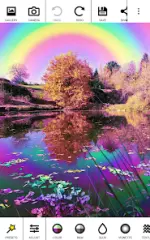
Chroma Lab v1.4.2 [Pro]
Technical Overview
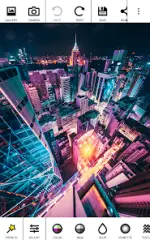
Chroma Lab is a high-performance post-processing suite engineered for granular color manipulation and procedural visual effects. Designed for Android 5.0 and above, the application integrates a deep processing engine within a streamlined interface. It supports a non-destructive workflow through an infinite undo/redo system and image bookmarking, allowing users to layer complex filters and manage masks with precision.Key Functional Modules
| Category | Technical Capabilities |
| Color & Tone | Duotone mapping, hue shifting, and advanced colorizing. |
| Monochrome | Multi-channel mixing and specialized color filtering. |
| Optics | Procedural blur, bokeh synthesis, and multi-mode vignetting. |
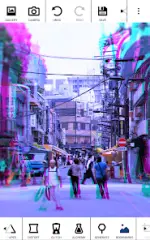
| Geometry | 3D transformations, mesh distortions, and glitch aesthetics. |
| Texturing | Film grain simulation, embossing, and pixel sorting algorithms. |
Animation and Video Synthesis
The specialized animation module enables the generation of high-fidelity video content from static source imagery. By implementing parameter interpolation between user-defined keyframes, the software produces fluid transitions. Note that high-performance animation features require manual activation within the application's internal settings.Pro Specifications & Optimization
The Pro iteration extends the core toolset by enabling lossless PNG exports and significantly higher output resolutions. This specific build has been optimized for universal CPU architectures.- Performance: Internal file structures optimized for reduced latency.
- Cleanup: All debug code and unnecessary telemetry removed.
- Access: Premium filters and extended parameters fully unlocked.
Version Logs (v1.4.2)
- Media Management: Implemented snackbar notifications with direct links for saved items.
- Rendering: Stability enhancements applied to the Live Preview engine.
- Core: General performance refinements and bug fixes.
Download