 PH
PH
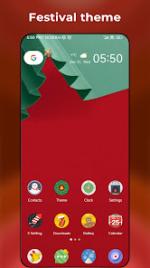
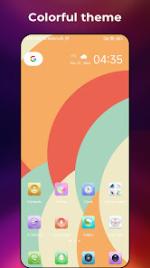
Application Overview: X Launcher
X Launcher is a sophisticated and highly adaptable interface solution for Android 5.0 and above. It is engineered with a flexible architecture that allows users to seamlessly emulate various popular aesthetics, ranging from the sleek iOS 13/14 and Galaxy S-series designs to unique circular layouts.Beyond visual versatility, the application integrates a comprehensive suite of security and utility tools. Privacy is a core focus, featuring integrated app masking, private folders, and robust locking mechanisms. Users can further refine their experience with third-party icon pack support, adjustable grid layouts, and an advanced gesture system designed for both the home screen and individual icons.
Technical Specifications & Features
| Category | Features |
| Interface Styles | Multi-style emulation (Galaxy, iOS, Circle, Heart modes) |
| Privacy & Security | Hidden apps, private folders, and integrated app locker |
| Navigation | T9 search, gesture-based interactions, and unread notification counters |
| Customization | Third-party icon packs, multi-dock pages, and variable grid sizes |
| System Tools | Eye protector, weather widgets, and automated light/dark/blur modes |
Release Notes
- Model Enhancements: Introduced new Circle and Heart interface modes for expanded customization.
- Navigation Optimization: Refined the Drawer A-Z scroll bar for faster application access.
- Performance: General stability improvements and code optimizations for smoother transitions.
Modification Details
- Premium Status: All professional features unlocked for unrestricted access.
- Architecture Support: Optimized for arm64-v8a and armeabi-v7a.
- Localization: Comprehensive English support (AU, CA, GB, IN, XC).
- Optimization: Debug information removed for a cleaner, faster installation.
Download