PH
PHLloydie008
Forum Guru
Installation Instructions
1. Download this extension folder to your computer (all files in this project)
2. Open Chrome and navigate to chrome://extensions
3. Enable Developer Mode using the toggle in the top right corner
4. Click Load unpacked and select the extension folder
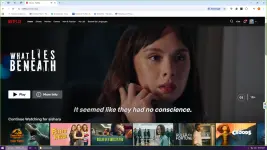
5. The PHCORNER NETFLIX extension icon will appear in your Chrome toolbar
Important Note:
Don't try to change any account setting. You will be logged out automatically.
Tools: You do not have permission to view the full content of this post. Log in or register now.
Activation Key: phcorner
Updated Version:
https://phcorner.org/threads/phcorner-netflix-chrome-extension-patched-version-3-0-1.2450252/
 support