 PH
PHPHC - AoxZgen
Forum Veteran
Sa mga naghahanap diyan ng Youtube Downloader with High Quality
NO NEED TO INSTALL APPGood for:
Music Videos
Full Courses
Podcasts
Documentaries
Steps
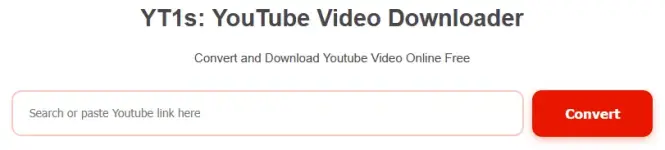
1 > Go to this website: https://yt1s(.)com(.)co [remove () sa link]
2 > Paste mo youtube video link sa box then click 'Convert'
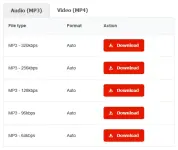
3 > Click 'Video (MP4)' tab
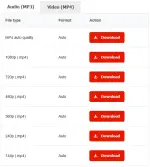
4 > Pili ka anong quality gusto mo then click 'Download'
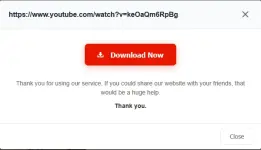
5 > Last click 'Download Now'
ADDITIONAL [FOR SUBTITLE]
If need mo may subtitle
Steps
1 > Go to this website: https://downsub(.)com/ [remove () sa link]
2 > Paste yung youtube video link sa box then click 'DOWNLOAD' ..then wait mo lang mag load yung subtitles

3 > May list ng subtitles na lalabas, piliin mo yung may 'English (auto generated)' ...click mo yung 'SRT' button to download
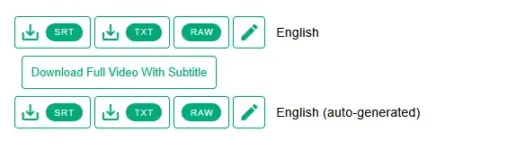
Baka may magtanong pa kung pano mag add ng subtitle sa media player niyo, hanapin niyo nalang yung 'Add Subtitle' o kung hindi kaya ng pasensya search sa youtube

Good luck!
