 PH
PH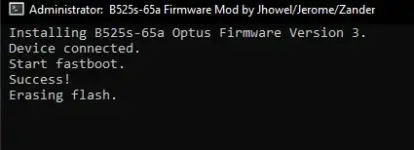

Hi everyone,
I'm having major issues flashing my Huawei B525s-65a router. It's stuck showing only the download port (COM3) in Device Manager and stuck at erasing flash. the Balong USB loader shows success but not inject properly and create the additional ports needed for flashing. I've tried everything I can think of, including huawei flash, balong flash using windows (64bit) 11, 10 & 8 but nothing works.
At this point, I'm not afraid of bricking it further—any suggestions, even risky ones, are welcome. My goal is to flash a new firmware Optus V3/V4 or any so i can access CELL ID LOCKING.
is there any way to force the loader or flash directly through the single download port? please help!

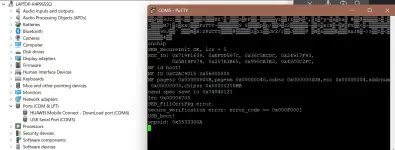
 . just need imei repair (00000000000000) if someone give me 'AT' commands. i appreciate your work
 .
.