 PH
PHHow to DOWNLOAD any MOVIES / TV SHOWS using UC Browser
STEP 1:
Download UC Browser > Open & Go to accessible movie websites you know or you can try these sites:
You do not have permission to view the full content of this post. Log in or register now., You do not have permission to view the full content of this post. Log in or register now., You do not have permission to view the full content of this post. Log in or register now..

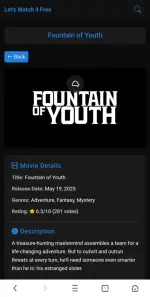
STEP 2: Click any movies/tv show you want to download,
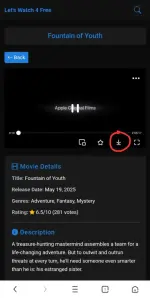
once it played the download btn/ icon will appear in the player.
You just need to click that and it will automatically download the movie.
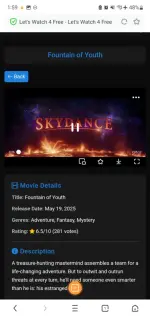
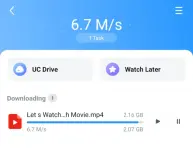
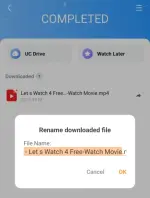
STEP 3: Once finished downloading, you can now rename and put the movie title and you're done.
ENJOY WATCHING!

STEP 1:
Download UC Browser > Open & Go to accessible movie websites you know or you can try these sites:
You do not have permission to view the full content of this post. Log in or register now., You do not have permission to view the full content of this post. Log in or register now., You do not have permission to view the full content of this post. Log in or register now..
STEP 2: Click any movies/tv show you want to download,
once it played the download btn/ icon will appear in the player.
You just need to click that and it will automatically download the movie.
STEP 3: Once finished downloading, you can now rename and put the movie title and you're done.
ENJOY WATCHING!
Spoiler contents are visible only to Established Members.
