PH
PH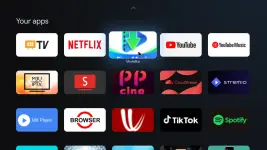


OPTION 1:
• Install the MovieBox Launcher on your TV to launch MovieBox (mod by DEXUNPACKER) directly from home screen.
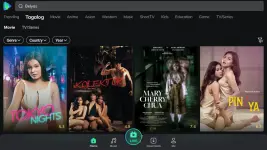
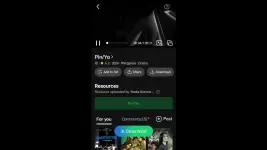
• Mouse is needed to use MovieBox app. Install the atvTools (pàtchéd by youarefinished) on your Phone to control TV apps using remote control and mouse mode. After installation, click the More button (3 dots) at the bottom right and select Settings then enable Use server for remote control.
• To use the atvTools app, you need to enable USB (Network/Wireless) debugging on your TV.
1. Go to Settings > Device Preferences (System) > About then tap several times (7x) on the Build (Android TV OS build) to unlock the Developer options.2. You will now be able to see the unlocked Developer options menu in the Device Preferences (System). Locate the USB Debugging toggle and enable it.• Choose your TV then Allow USB (Network/Wireless) debugging.
• Make sure, your TV and your Phone are connected to the same Wi-Fi network.
GUIDE: atvTools > More > Help.Download Link:
You do not have permission to view the full content of this post. Log in or register now.
You do not have permission to view the full content of this post. Log in or register now.
You do not have permission to view the full content of this post. Log in or register now.
OPTION 2:
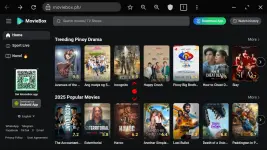
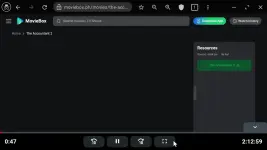
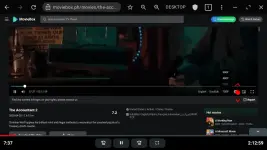
• Download and install the BROWSER app using Play Store on your TV then enter You do not have permission to view the full content of this post. Log in or register now. in the URL. Enjoy!
More Info:
You do not have permission to view the full content of this post. Log in or register now.