 PH
PHPHC-T2Mars
Forum Guru
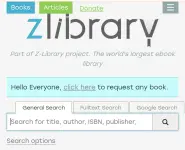
Nagbabalik ang ZLibrary!
Required: Dapat may Deeskord Account ka.
How to download your e-book for Free? Follow these steps:
1. Visit this link
You do not have permission to view the full content of this post. Log in or register now.
2. Search your fav ebook.
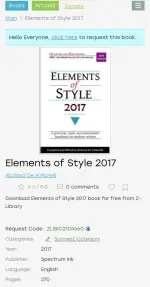
3. Click or tap the ebook you want to download.
4. Look for the "REQUEST CODE" and copy it.
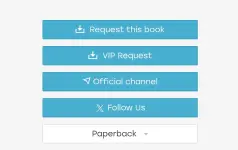
5. Scroll down, and look for "Request this book"
6. Your Deeskord app will open automatically, just "accept the invite"
7. From step 4, paste the "request code" sa #forbidden#.
8. Download your e-book.
Ayan, pa feedback nalang kung nagana sa end ninyo mga idol.
Salamat!