 PH
PH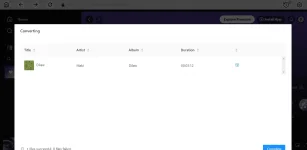

MAG FEEDBACK KA PO! 
Di kana mahihirapan magdownload, kasi direct na ito pag nag add ka sa playlist, then convert mo lang then magdodownload na agad sya original sound nya pa. Enjoy! 1. Go this page You do not have permission to view the full content of this post. Log in or register now.
2. Type your email (Temporary Email is Working) then Get License
3. Copy your email and registration code (sa inbox ng email)
4. Download the installer:
For Windows (You do not have permission to view the full content of this post. Log in or register now.),
For MAC (You do not have permission to view the full content of this post. Log in or register now.)
Virus Total Result: a62ad7683fcaa788c977f8962fb86dfcead646e0bec5b20f448f0d244b9bcc3f
5. Paste the license code you received via email into the registration window, and click “Register”. (May makikita kang susi sa taas ng app, click then paste mo code)
6. Start using Ondesoft Spotify Music Converter for free for one year.
7. Shared by PHC - JM, please feedback. Thank you


