 PH
PHfrederic_liam
Established
==CREDITS TO PHC-kirst FOR TUTORIAL==
Go here: You do not have permission to view the full content of this post. Log in or register now. and click on join now, login to your Microsoft account and fill the details
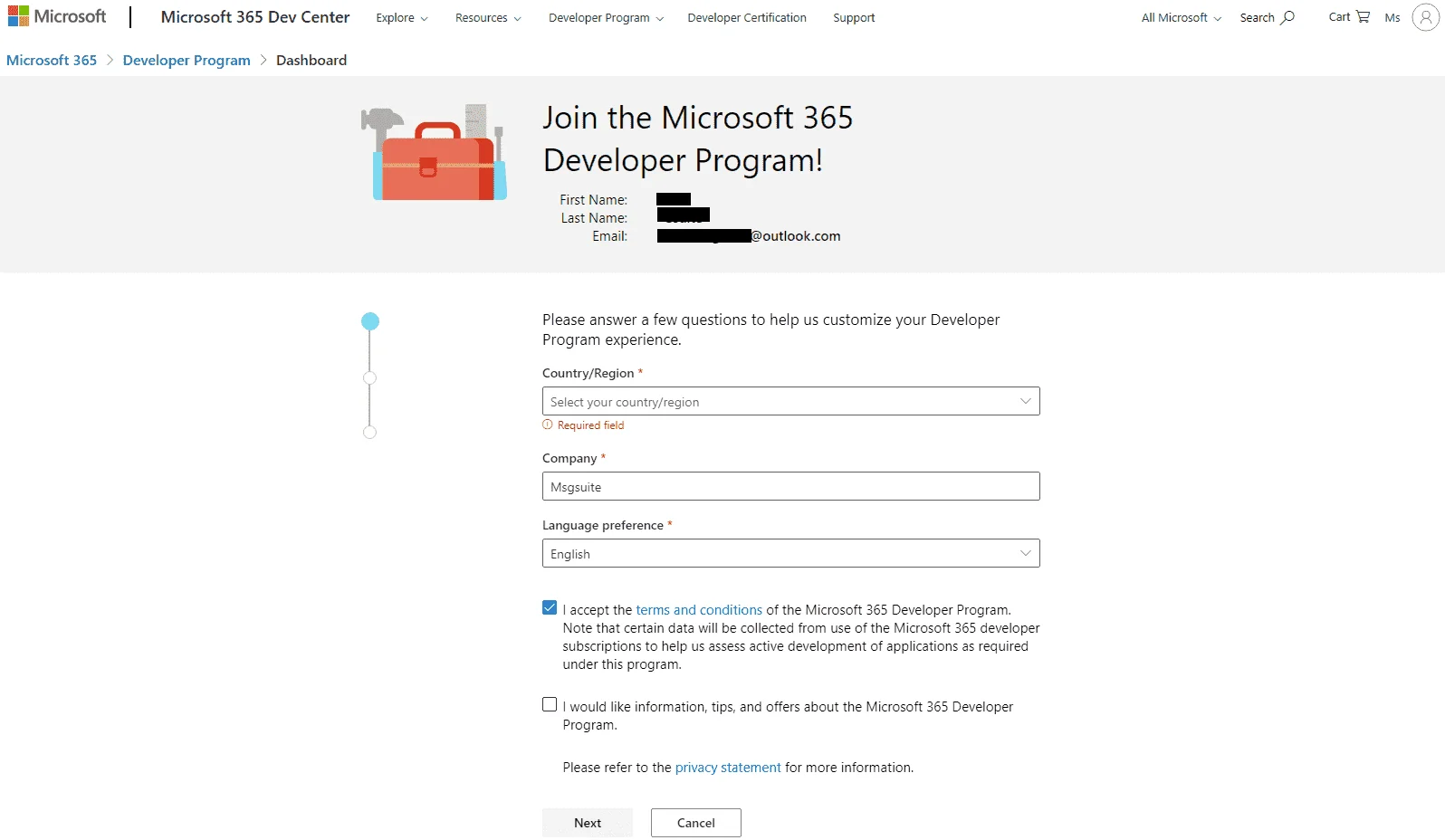
For the next steps you can fill whatever you want it will work regardless your choices
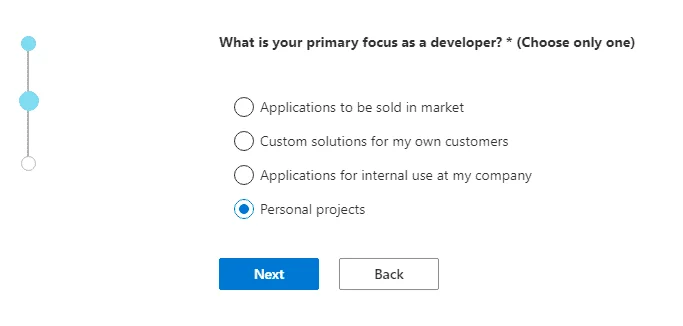
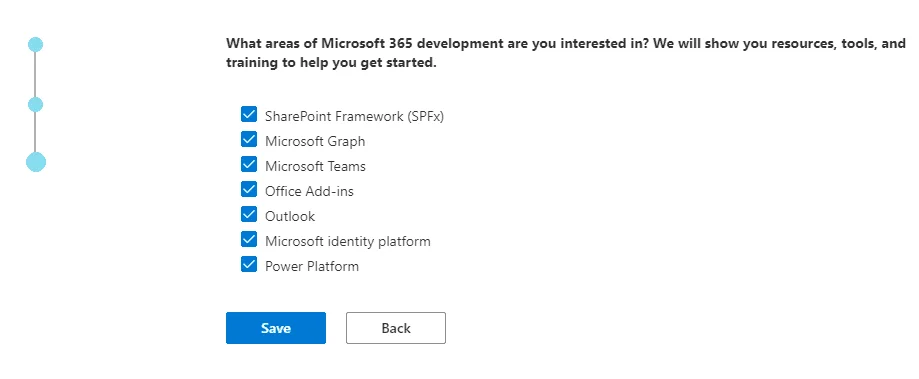
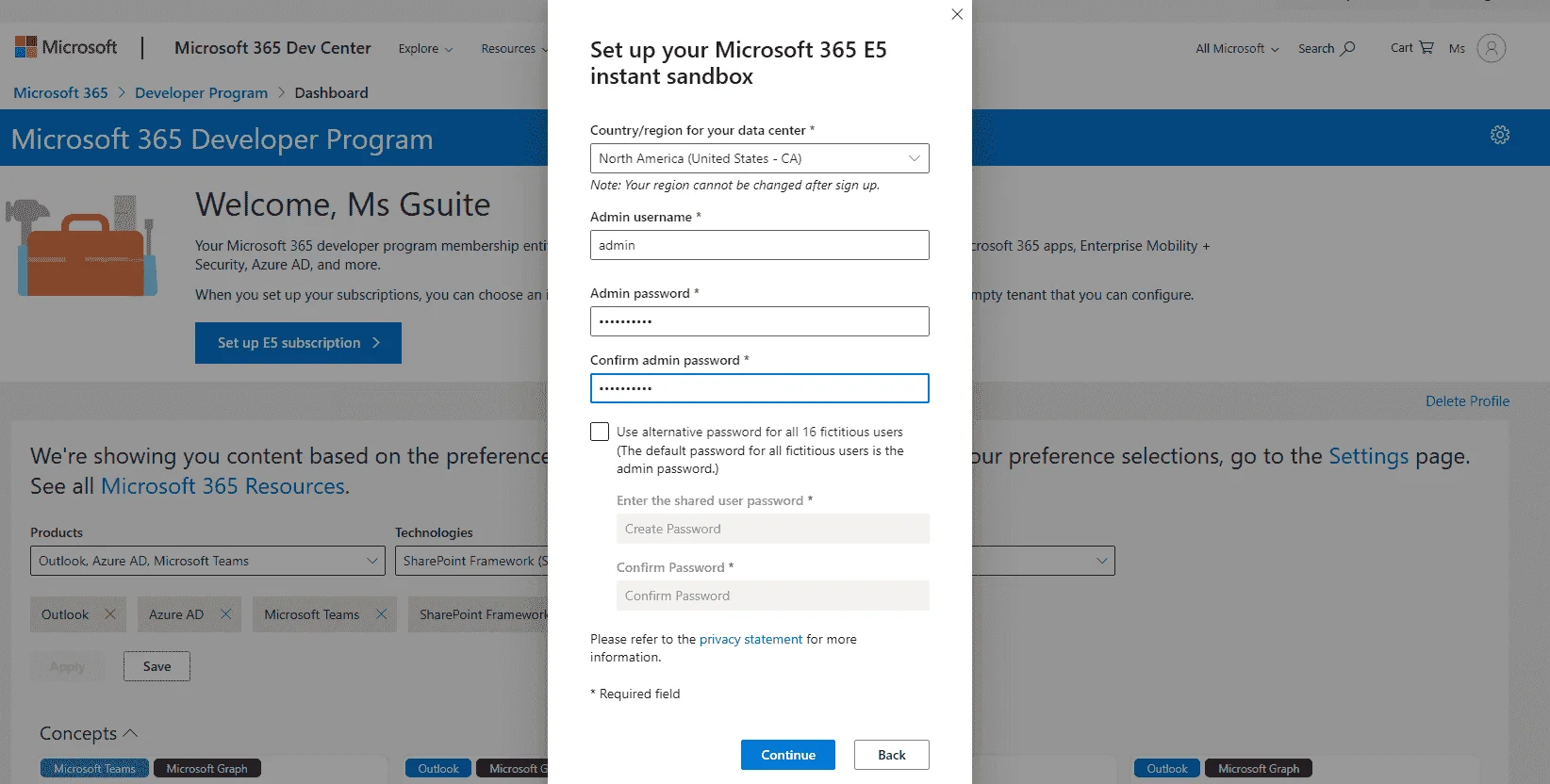
Next, you'll be asked to fill your admin accounts details. Note them down they will be really important (both the username and passwords can be changed later)
If requested, add your phone number to verify the account
Once everything is finished, click on go to subscription, login with the details you filled above.
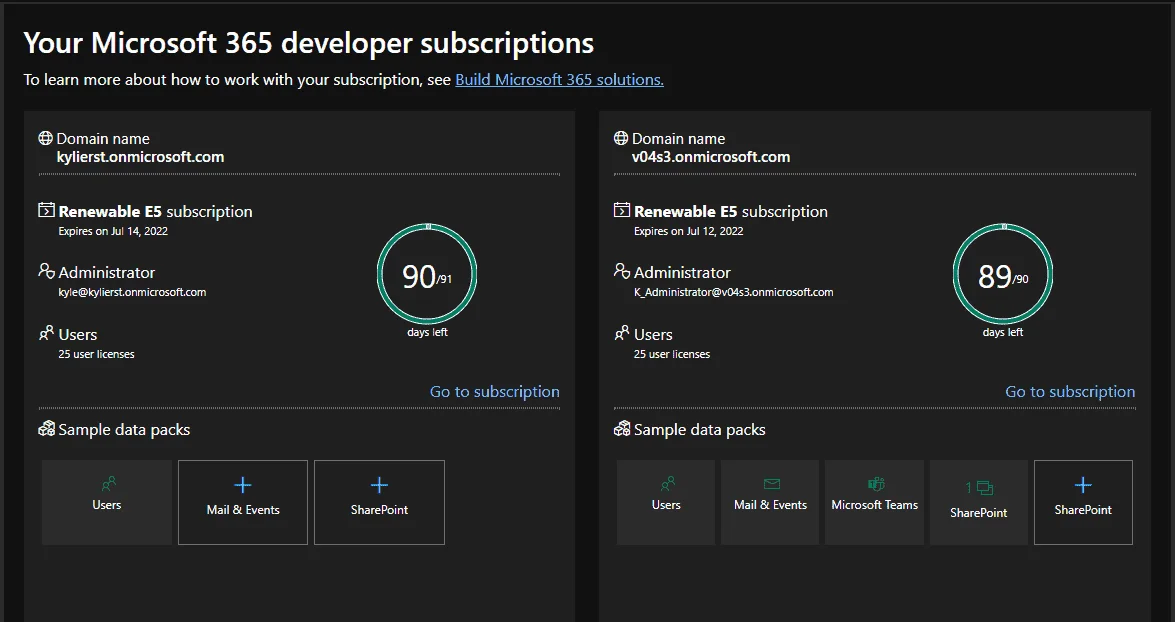
Voilà, you have your own subscription with 5Tb of onedrive and the desktop apps of office 365 for up to 50 users
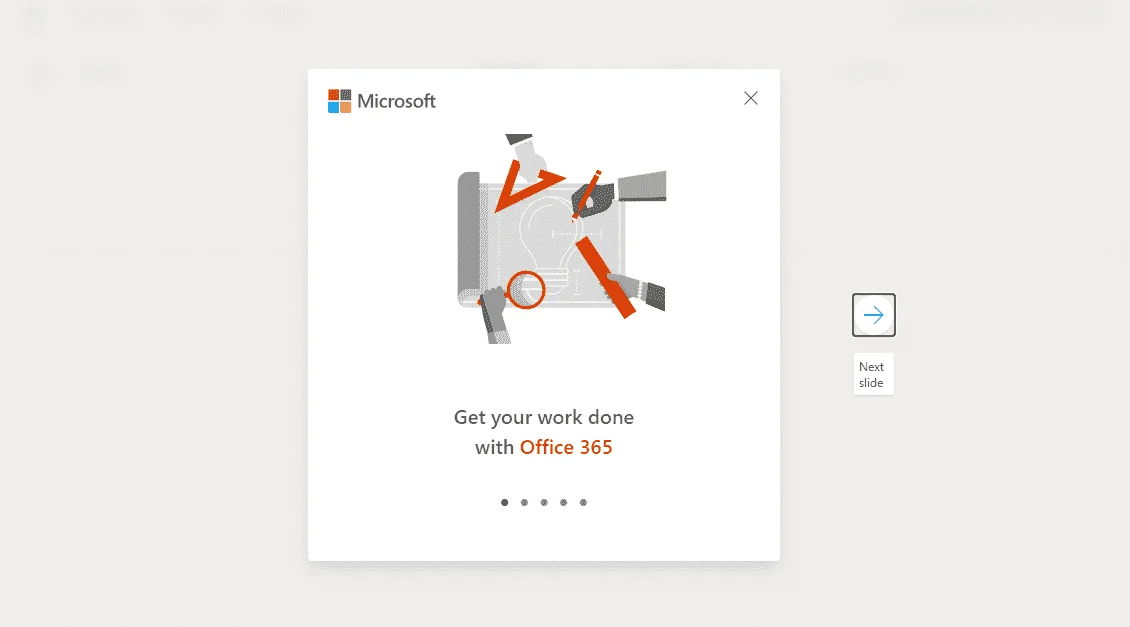
If you only have 1Tb of onedrive, go to the admin panel (You do not have permission to view the full content of this post. Log in or register now.), select your account and click on edit on the OneDrive tab
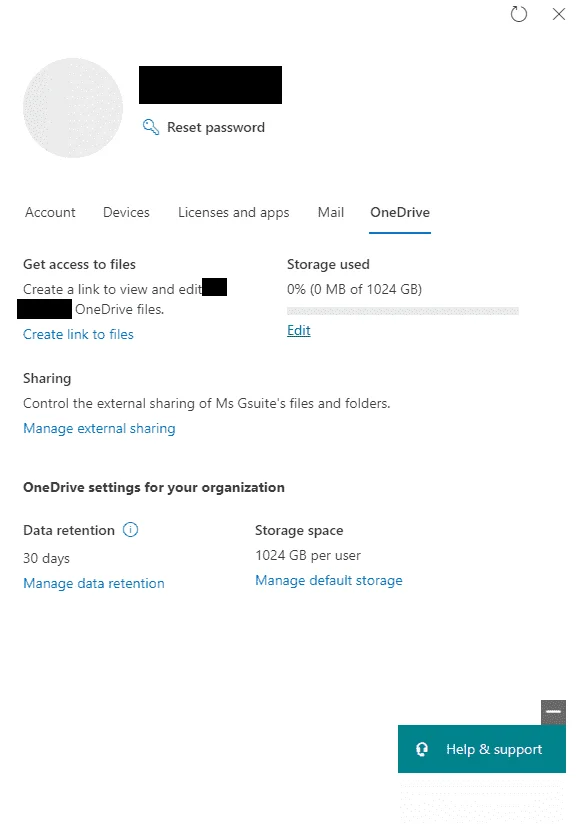
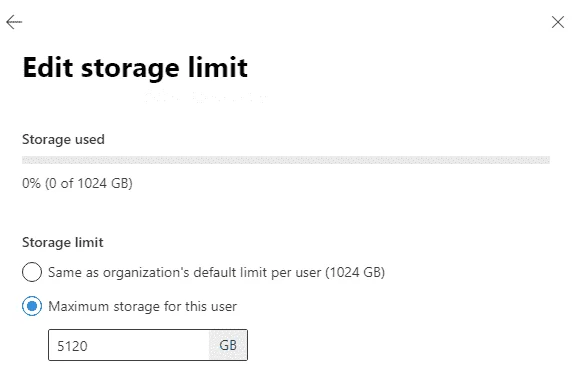
Give yourself 5tb and validate!
Renew the subscription
Every 90 days, Microsoft will review your developing activities to decide if automatically renew your M365 developer subscription.
Go here: You do not have permission to view the full content of this post. Log in or register now. and click on join now, login to your Microsoft account and fill the details
For the next steps you can fill whatever you want it will work regardless your choices
Next, you'll be asked to fill your admin accounts details. Note them down they will be really important (both the username and passwords can be changed later)
If requested, add your phone number to verify the account
Once everything is finished, click on go to subscription, login with the details you filled above.
Voilà, you have your own subscription with 5Tb of onedrive and the desktop apps of office 365 for up to 50 users
If you only have 1Tb of onedrive, go to the admin panel (You do not have permission to view the full content of this post. Log in or register now.), select your account and click on edit on the OneDrive tab
Give yourself 5tb and validate!
Renew the subscription
Every 90 days, Microsoft will review your developing activities to decide if automatically renew your M365 developer subscription.
- Deploy LookBook templates on SharePoint
- Setup Power Automate flow based on ready template
- Setup Power Apps based on ready template
- Deploy Power BI template from gallery


