 PH
PHiamramzkie
Forum Expert
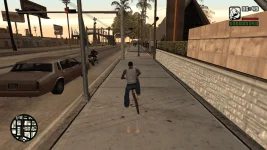
GTA - San Andreas HD + Fix Mouse Error
 HOW TO PLAY !
HOW TO PLAY !1. EXTRACT THE FILE USING WINRAR OR 7ZIP
2. OPEN THE EXTRACTED FOLDER
3. FIND gta_sa.exe
4. Right click and Run as Administrator
5. In first lunch, you might get a message about install feature
Just click install feature and wait. Then re open the game (run as admin)
NOTE: To create shortcut to desktop, just right click the gta_sa.exe and click send to desktop.
DOWNLOAD LINK
You do not have permission to view the full content of this post. Log in or register now.
password: iamramzkie