PH
PH CCleaner is designed to: Clean up redundant junk files from Windows, Android, Mac, and more than 300 applications — to free up space and help fix problems. CCleaner does this safely and quickly, which is why clicking Analyze then Run CCleaner has become routine for millions of users.

Instructions1. Download it
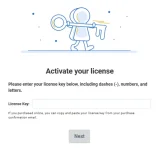
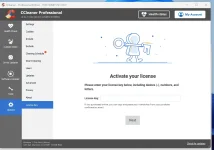
2. Install it and Select Professional Edition
3. Enter Version Number TYPE: 623
4. Just select where u want to install it.
5. After Installing it find the folder, select and open "CcleanerPortable"
Screenshot:
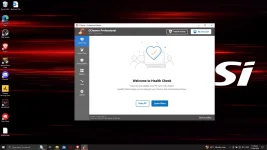
You do not have permission to view the full content of this post. Log in or register now.