 PH
PH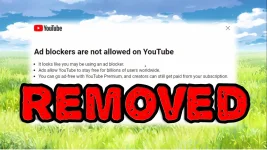
Tutorial How to Remove YouTube Ads in just 2 Minutes | With A Powerful Extension | Note this only work on browser not an app Used in this video tools TamperMonkey.
Video tutorial link :
Download
Introduction
This repository contains a userscript designed to remove the annoying "Ad blocker is not allowed on Youtube" popup. Follow the instructions below to get started. We also have an undetected way of skipping ads if you get blocked from the video player.Install Tampermonkey: If you haven't already, you need to install the Tampermonkey browser extension. You can find it for various browsers:
- You do not have permission to view the full content of this post. Log in or register now.
- You do not have permission to view the full content of this post. Log in or register now.
- You do not have permission to view the full content of this post. Log in or register now.
- You do not have permission to view the full content of this post. Log in or register now.
Download
