PH
PHFujimo Mekaji
Forum Guru
NO MORE ADS FOR YOUTUBE.
We need MacroDroid for this Setup.
- Download MacroDroid, Playstore version only have 7 days free trial, I'll provide premium version.
- DL via TeleBox: You do not have permission to view the full content of this post. Log in or register now.
- DL via Google Drive: You do not have permission to view the full content of this post. Log in or register now.
- Open the app & go to "Templates" section.
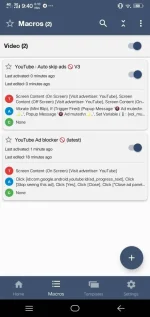
- Search Youtube Ad Blocker. The one created by "nxtexploit" and with (latest)
- Click on it and then tap the "button with + sign" on the bottom right corner to add the Macro.
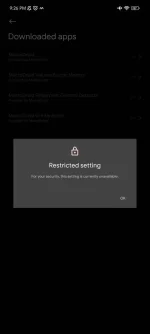
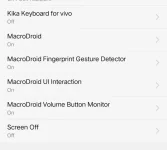
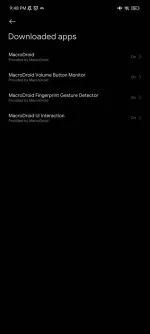
- Then give app permissions.
- We're all set and good to go.
You may encounter some ads after activating it but after one/two, you'll experience No Ads streaming on YouTube.
Feedback is appreciated. ❤
—Saul GoodmanLife is simple, you make choices and you don't look back.