 PH
PHMr Brightside
Contributor

Features
Working smarter is easier with AutoCAD 2021
AutoCAD® 2021 software includes industry-specific toolsets; improved workflows across desktop, web, and mobile; and new features such as drawing history.See specialized toolsets
You do not have permission to view the full content of this post. Log in or register now.
You do not have permission to view the full content of this post. Log in or register now.
You do not have permission to view the full content of this post. Log in or register now.
You do not have permission to view the full content of this post. Log in or register now.
You do not have permission to view the full content of this post. Log in or register now.
You do not have permission to view the full content of this post. Log in or register now.
You do not have permission to view the full content of this post. Log in or register now.
-
New
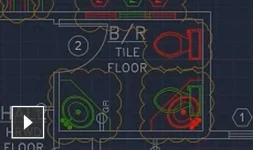
Drawing history
Compare past and present versions of a drawing and see the evolution of your work. (video: 2:16 min.) -
New
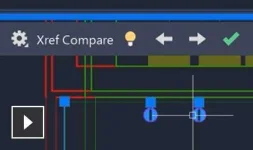
Xref compare
See the changes made to your current drawing from changed external references (Xrefs). (video: 2:05 min.) -
Enhanced
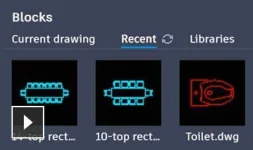
Blocks palette
View and access your blocks content from AutoCAD on desktop or within the AutoCAD web app. (video: 1:49 min.) -
Enhanced

Performance enhancements
Experience faster save and install times. Leverage multicore processors for smoother orbit, pan, and zoom operations. -
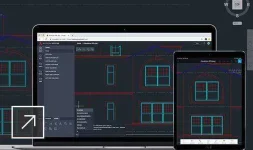
AutoCAD on any device
View, edit, and create drawings in AutoCAD on virtually any device–desktop, web, or mobile. -
Cloud storage connectivity
Access any DWG™ file in AutoCAD with Autodesk’s cloud, as well as with leading cloud storage providers. -
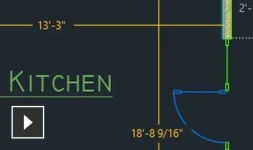
Quick measure
Display all nearby measurements in a drawing simply by hovering your mouse. (video: 37 sec.) -
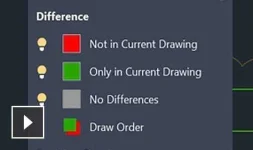
Enhanced DWG compare
Compare two versions of a drawing without leaving your current window. (video 1:05 min.) -
Purge redesign
Remove multiple unneeded objects at once with easy selection and object preview. (video: 1:11 min.)
More features
Extended workflows
-
AutoCAD anytime, anywhere
Create, edit, and view CAD drawings through the browser using the AutoCAD web app or through the AutoCAD mobile app. (video: 59 sec.)
You do not have permission to view the full content of this post. Log in or register now. -
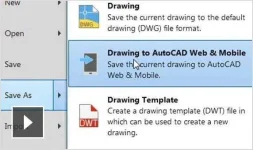
Save to web and mobile
Save drawings from your desktop to view and edit on the AutoCAD web and mobile apps, Xrefs included. (video: 2:13 min.)
You do not have permission to view the full content of this post. Log in or register now. -
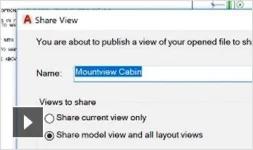
Shared views
Publish design views of your drawing in a web browser for viewing and commenting. (video: 1:07 min.)
You do not have permission to view the full content of this post. Log in or register now.
You do not have permission to view the full content of this post. Log in or register now.

