PH
PHWindows , Office & Etc. Compresser.
Download
Step 1: Dapat may USB FrashDrive ka na 32GB, 64gb or pataas pataas (Clean FlashDrive)
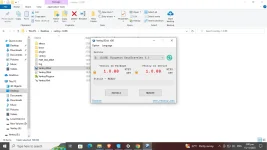
Step 2: Extract mo file na nadownload mo. Then Open!
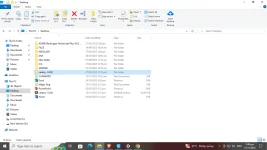
Step 3: After mo ma open, Click "Ventoy2Disk Application".
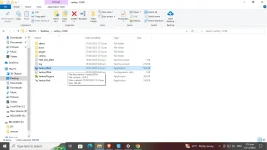
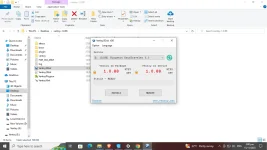
Step 4: Then click "YES" and you will direct to this.
Note: FlashDrive will automatically detected. Kapag detected na, click "Install".
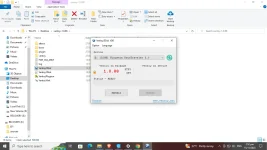
Step 5 : Kapag Successfully na. Close mona yan then. Go to USB FlashDrive you can now add Window 7, Windows, 8.1, Windows 10, Windows 11 Installer.
Copy & Paste lang kapag ilalagay mo sa USB no need to bootable or Rufus dahil si Ventoy2Disk ay Bootable na.
Like this...........
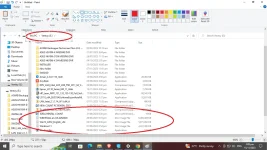
Try nyo lang mga lodi