 PH
PHMake your Google Chrome appear like this:
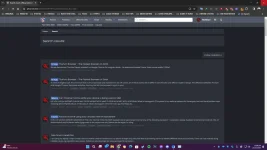
How? Follow the steps below:

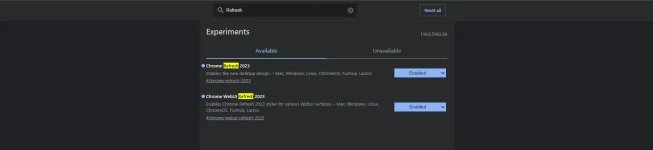
- You can enable the two options. This will prompt you to restart your browser.
And done! (Shameless plug: sub to my small YT channel, thanks!)
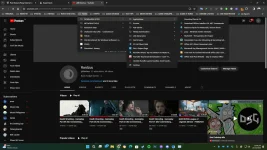
Follow me for more!
How? Follow the steps below:
- Update your Chrome Browser to latest stable release.
- After updating, copy this and paste it to your Chrome Browser: (chrome://flags)
- The following page will load:
- Type this in the Flags Searchbar: Refresh
- The following options will appear:
- You can enable the two options. This will prompt you to restart your browser.
And done! (Shameless plug: sub to my small YT channel, thanks!)
Follow me for more!