 PH
PH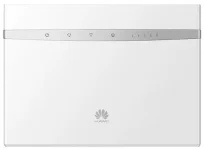
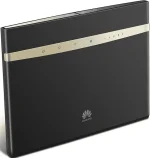
Sa mga gumagamit ng Private DNS or Free DNS or ISP DNS, para sainyo itong tutorial na ito. Let's go!
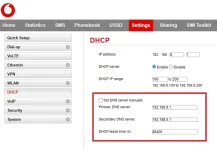
1. In Chrome, login to GUI of your Huawei B525s Modem (65a/23a/95a) and go to settings > DHCP.
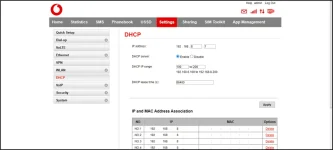
2. Go to (options) 3 dots > more tools > developer tools
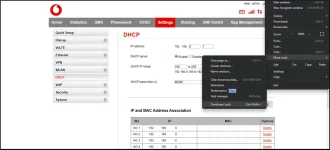
3. Click console.
4. Copy and Paste the following codes below

$('#dhcp_dns_statistic').show();
$('#dhcp_primary_dns').show();
$('#dhcp_secondary_dns').show();
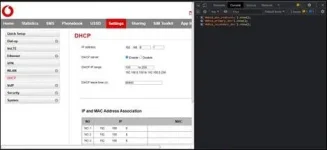
5. Hit enter and that's it.
6. Change your DNS manually, hit apply and you're done!
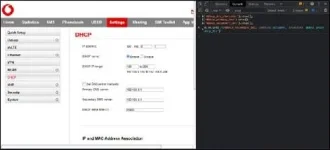
NOTE: This is not a permanent fix. Everytime you want to manually change your DNS, you need to repeat the instructions.