 PH
PH
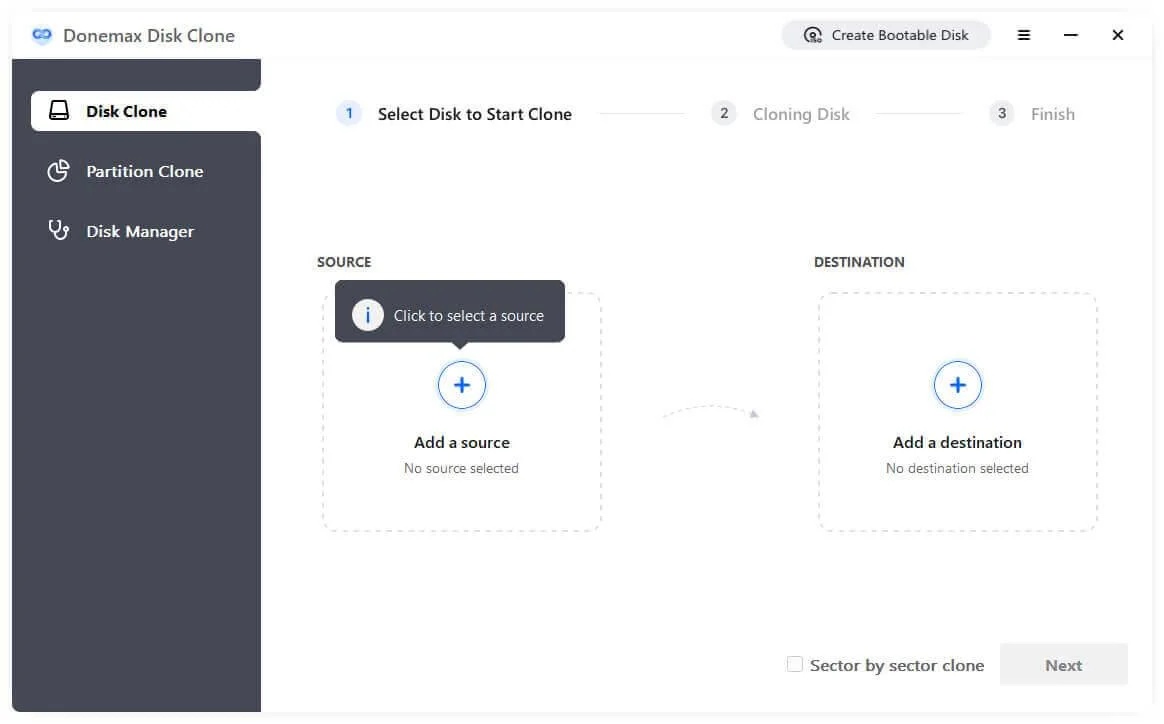
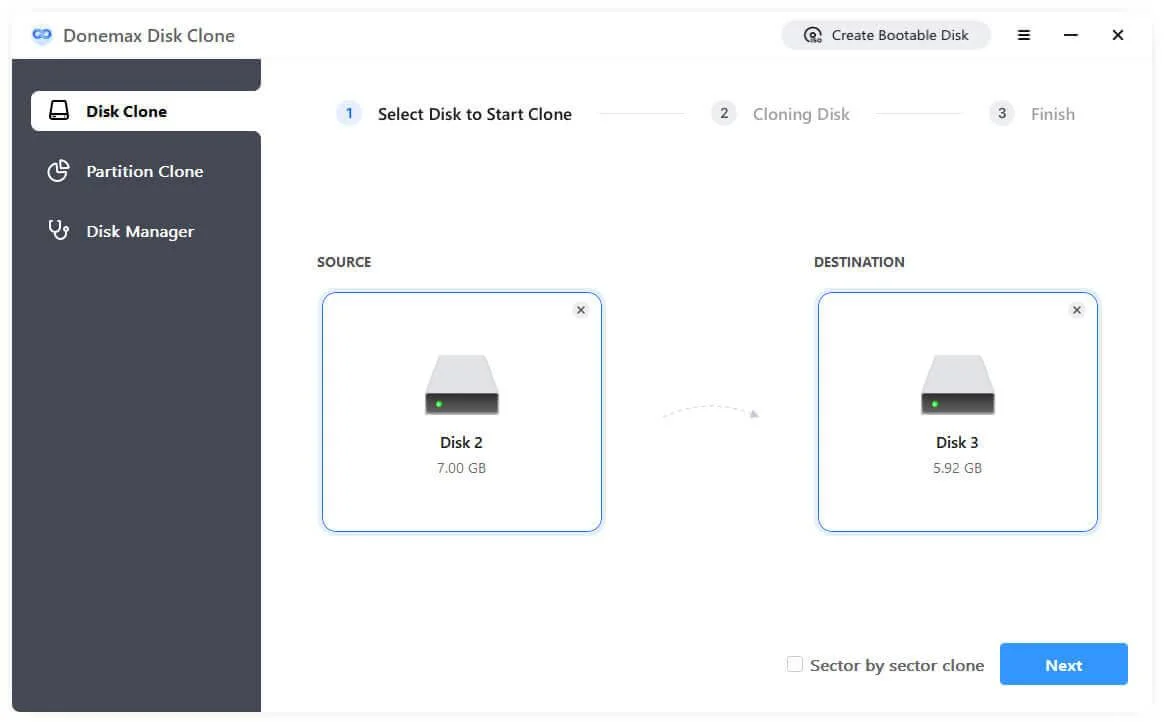
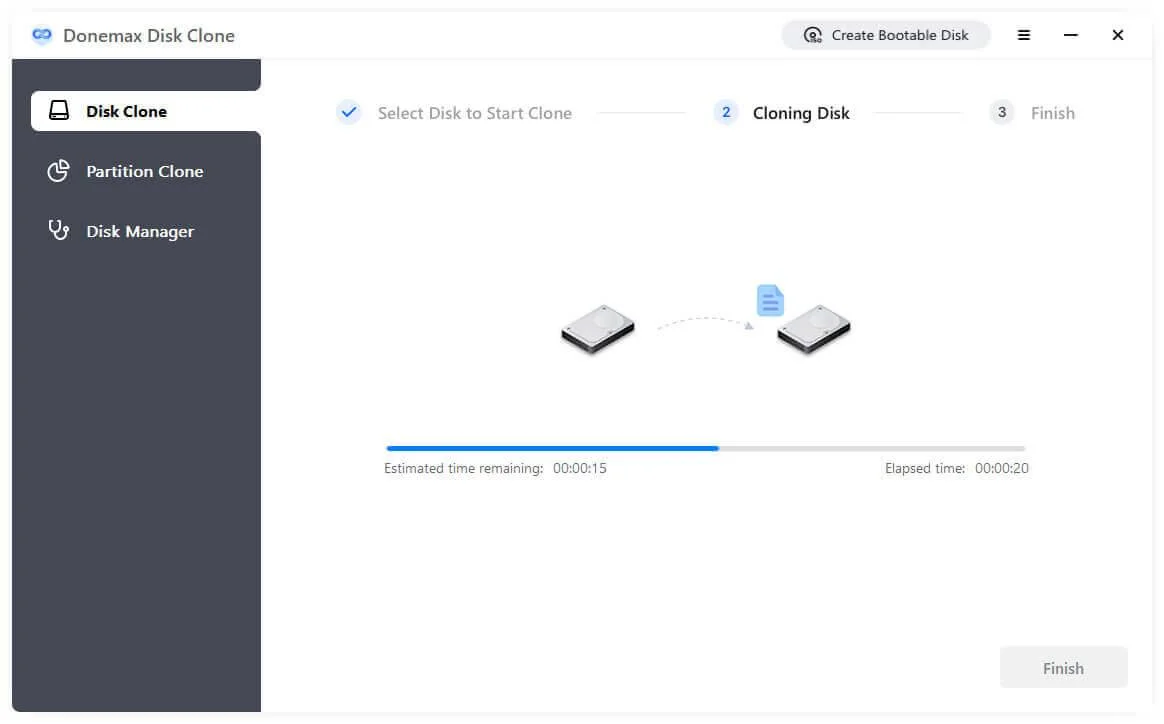
Donemax Disk Clone (also DMclone) helps you to copy the entire contents of one disk drive to another to get two identical drives with the same file structure. It can securely and easily clone HDD, SSD, memory card, etc. from any source to another new device. Upgrading old hard drive to a new one without reinstalling Windows OS isn't a hard task any more with this award-winning disk cloning software.
Migrate Windows OS Without Reinstalling
A hard drive cloning app is generally used while upgrading a PC. Donemax Disk Clone allows you to copy entire system disk to a new one & ensures to boot from the cloned disk. Cloning and booting from latest Windows 11 is a piece of cake, no need to reinstall your system and applications. Save your time and start work right away.
Upgrade Old Hard Drive or SSD in Windows
It also can be used to upgrade hard drive to SSD or a higher capacity drive for high-performance. If the target disk is large enough to hold all the data on the source disk, the user also can clone the larger disk to the smaller one. Replace hard disk fast and easily now with disk cloning software.
Clone Entire Disk for Backup and Restore
You can copy you hard drive to external hard drive or a new destination as a backup. If your old disk is damaged, you can quickly restore from the backup and back to your work immediately as normal. Clone creates an exact copy including boot records, system, applications, user settings and all files.
Migrate Data to New Destination
System administrators can use cloning software to migrate data from one PC to another just by clicks, while keeping your data safe. All you need to do is plugging your hard drive into your old PC, run Donemax Disk Clone to copy entire data, then plug it into your new PC and reverse the transfer process.
Giveaway Details:
- Product name: Donemax Disk Clone for Windows 2.0
- License type: lifetime
- Platform: Windows
- Download: You do not have permission to view the full content of this post. Log in or register now.
License Keys:
- License code #1:
LF6VP-ILZWL-YNACL-YNS1C-471RD - For More: Software Giveaways
 my working ka pa na licensed code prii?