 PH
PHHVz9MWr3cG
Forum Guru
Screenshots:
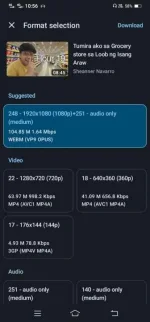
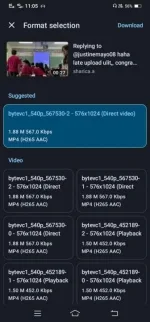
How?
Download:
You do not have permission to view the full content of this post. Log in or register now.
Repo
You do not have permission to view the full content of this post. Log in or register now.
You do not have permission to view the full content of this post. Log in or register now.
Install mo lang yan then paste mo link ng video or audio na idadownload mo
Paano kumuha ng link? Example, video sa YouTube, hanapin mo lang yung share button tas pindutin mo copy/send/share link. Pwede rin sa mga websites gaya sa mga anime, movies, etc.
Pwede mo rin configure yan sa file type, quality, video or audio, etc.
Safe ba to gamitin? Yes, open source ang app
Meow
