PH
PHbackspace18
Honorary Poster
Filmora 12 features smoother performance and efficiency. More advanced features, richer resources, and Artificial Intelligence tools that let you create freely.

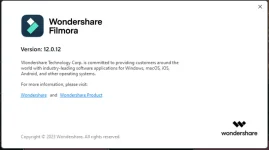
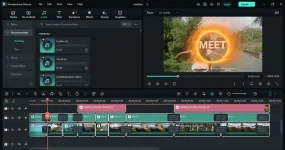
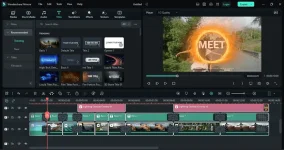
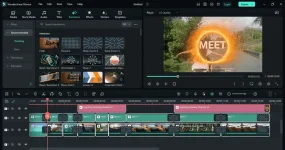
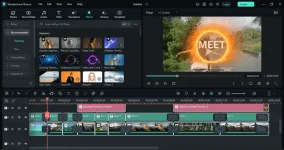
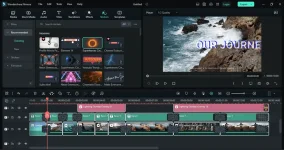
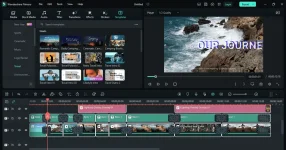
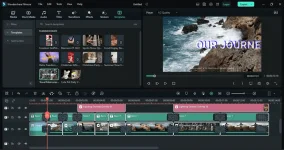
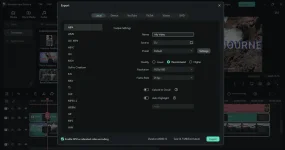
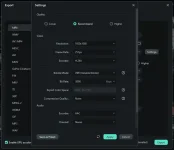
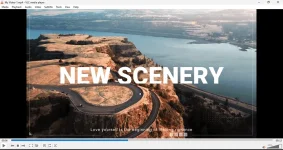
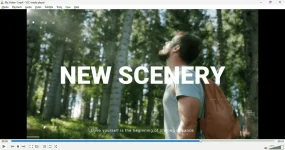
Exported successfully without WaterMark:
Note:
1. Temporarily disable your antivirus
2. Medyo mahirap ang instructions if hindi ka familiar sa pag apply ng cr4ck
3. Install Filmora 12.0.12.1450 and close it
4. Copy the Patcher (Wondershare.filmora.v12.0.12.1450-zmco.exe) to:
----- C:\Users\YOU_USER\AppData\Local\Wondershare\Wondershare Filmora\12.0.12.1450\
----- note dapat sa loob ng \Wondershare Filmora\12.0.12.1450\ na folder
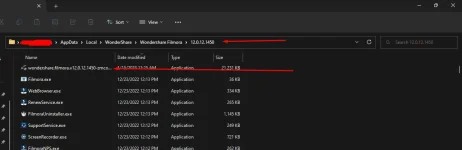
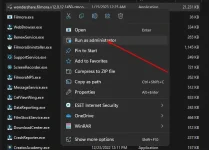
5. Run the patcher as admin and apply it
6. input password: cgpersia-zmco
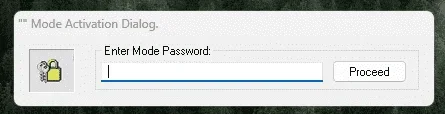
7. Click ρá†ch

8. VERY IMPORTANT
Add these lines to the Host file:
127.0.0.1 platform.wondershare.com
127.0.0.1 activation.cyberlink.com
127.0.0.1 pc-api.wondershare.cc
127.0.0.1 analytics.wondershare.cc
127.0.0.1 cloud-api.wondershare.cc
127.0.0.1 sparrow.wondershare.com
127.0.0.1 wae.wondershare.cc
127.0.0.1 api.wondershare.com
127.0.0.1 antipiracy.wondershare.com
127.0.0.1 wondershare.com
127.0.0.1 mail.insidews.wondershare.com
127.0.0.1 accounts.wondershare.com
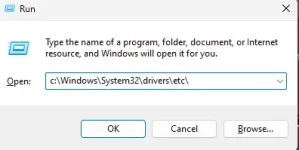
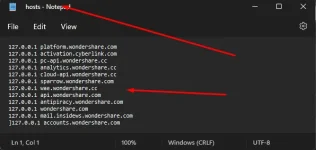
Or watch nyo tong nasa YT how to block site using host file: You do not have permission to view the full content of this post.
Log in or register now.
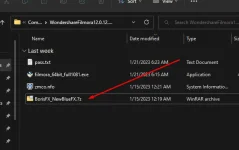
9. BorisFX & NewBlueFX ρá†ch
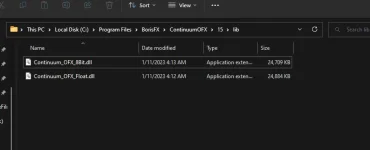
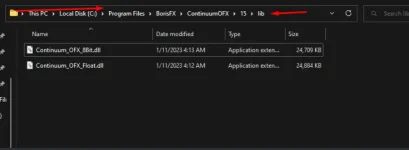
10. Replace the 2 patched files in this folder: C:\Program Files\BorisFX\ContinuumOFX\15\lib\
Download:
You do not have permission to view the full content of this post. Log in or register now.
pass: 123
Credit to respective owners