PH
PHTurn on "God Mode" in Windows 10.
"God Mode" in Windows 10 is a kind of "secret folder", which contains all the functions of setting up and administering a computer.
In order to activate the god mode, you must:
 Right-click the Desktop and select “New” > “Folder”.
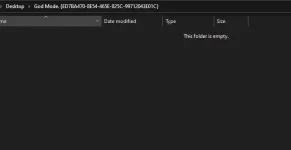
 Rename the folder "God Mode. {ED7BA470-8E54-465E-825C-99712043E01C}" and press "Enter".
Ready! Inside the folder you will find a complete set of “God Mode” tools.
#guide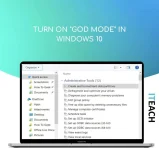
"God Mode" in Windows 10 is a kind of "secret folder", which contains all the functions of setting up and administering a computer.
In order to activate the god mode, you must:
Right-click the Desktop and select “New” > “Folder”. Rename the folder "God Mode. {ED7BA470-8E54-465E-825C-99712043E01C}" and press "Enter".Ready! Inside the folder you will find a complete set of “God Mode” tools.
#guide