PH
PHHELLO! WELCOME TO MY THREAD!

You do not have permission to view the full content of this post. Log in or register now.- An AOSP based project started with the goal of keeping things simple, clean, and organized. We added features that will be helpful in the long run, while aiming to deliver smooth performance and longer battery life.
You do not have permission to view the full content of this post. Log in or register now.- An AOSP based project started with the goal of keeping things simple, clean, and organized. We added features that will be helpful in the long run, while aiming to deliver smooth performance and longer battery life.
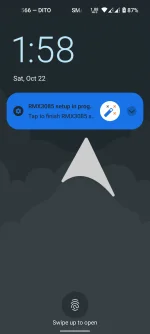
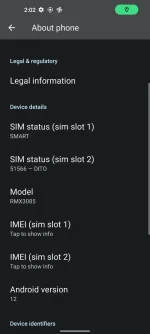
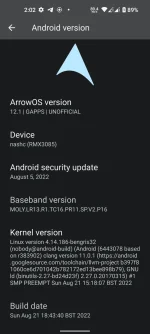
Screen shots:
View attachment screen-20221022-020143.mp4
Tip:
Kung palipat lipat ka ng custom rom, root your phone and use You do not have permission to view the full content of this post. Log in or register now. to back up your apps and internal app data, tested and working fine on a12 and a13 roms.
After sa restore pwede mo i-uninstall yung magisk.
My Review(personal):
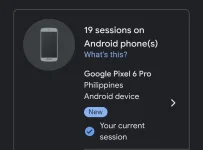
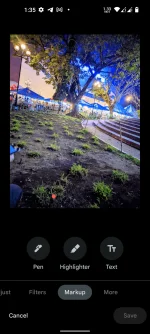
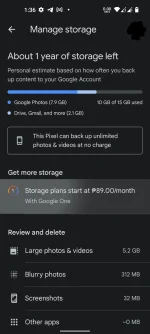
Spoofed po sya as Google Pixel 6 Pro kaya unli-back up sa google photos, tapos unlocked po ung edit options na sa google photos app
Unlocked auxiliary camera arrays- all 4 cameras are accessible with 3rd party camera app mod like gcam, lmc,.. etc.. ang ginamit ko dito is lmc.
Samples:
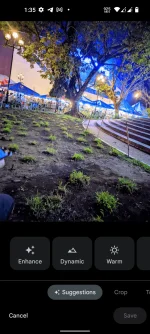
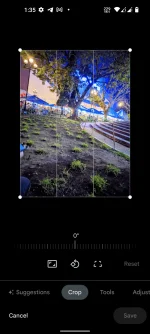
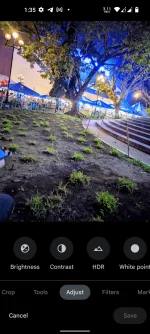
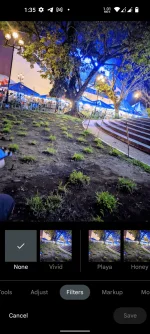
Download:
You do not have permission to view the full content of this post. Log in or register now.
if you want a13-You do not have permission to view the full content of this post. Log in or register now.
Flashing the Vbmeta and recovery:
Now we need to flash Arrow recovery to our device, this is going to allow us to install the custom ROM onto our phone.Ensure the device is in Fastboot mode and unlocked, if it isn't unlocked, follow our unlocking guide and come back, same goes for being on RealmeUI 3 firmware
Download the files [You do not have permission to view the full content of this post. Log in or register now.]
You need also platform tools just search in google.
Ensure that the recovery.img and vbmeta.img are in the same folder inside platform tools, then run the following commands.
fastboot --disable-verity --disable-verification flash vbmeta vbmeta.img
fastboot flash recovery recovery.img
Now, reboot to recovery mode.
Flashing the ROM:
The recovery we just flashed is Lineage recovery, but don't worry, it's not hard to flash, we can flash normal zip files.
To flash the ROM, follow the steps on the screen:
- Factory reset > Format data/factory reset
-format the cache also
- Apply update > Apply from ADB
- Sideload the zip with your PC
Note:
- not too customizable but very good battery
- for realme 8 unlocked bootloader ONLY! -for unlocking bootloader guide. You do not have permission to view the full content of this post. Log in or register now. WILL VOID YOUR WARRANTY! (change your browser's dns or use vpn if inaccessible )
- Only use RealmeUI 3 firmware (C.11)
- Flash with the provided ArrowOS recovery.
- Don't flash Gapps, they are already included
- Switch to user build variant.
- Rebased to Teracube SEPolicy.
- Added Realme Parts, it can control the following features:
DC Dimming
CABC
High Brightness Mode
sRGB Mode
Game Mode (increase touch sampling rate)
USB-OTG
More gestures for ambient display
- Support multiple levels of Vibration intensity.
- Enable Framework dimming for FOD (fixes high brightness when FOD icon is pressed)
@R0rt1z2
@minatiscape
@TheMalachite
@bengris32