 PH
PHacdosdosedu
Leecher
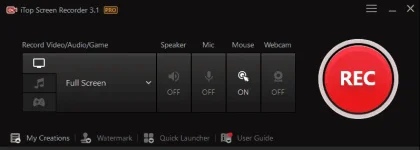
láρág ko na.. No need license key.. sana makatulong

You do not have permission to view the full content of this post. Log in or register now.

 Go to C:\Windows\System32\Drivers\etc Open Hosts thru Notepad (not Hosts.ics) Block the addresses below by adding it to the default host key Copy/paste
 127.0.0.1 goto.itopvpn.com127.0.0.1 isr.itopvpn.com Save the host file with the added new addresses (IP) If asked for admin rights, allow admin rights to save the edited host
 Extract the zipped file with password: rsload Run Setup.exe In the installation page, click Customize and uncheck both Pin and Add Desktop icon -> proceed with the installation Do not run the app yet
 Once installed, find the location of the app, default is C:\Program Files\iTop Screen Recorder Go back to the extracted folder and open "cr4ck" folder Copy the three files from cr4ck and paste to the app's location (C:\Program Files\iTop Screen Recorder) If prompted to replace or skip the existing files, click "Replace" and give admin rights when prompted until pasting is done Voila!!! Pwdi mo nang e-run ang app and enjoy recording with premium access!